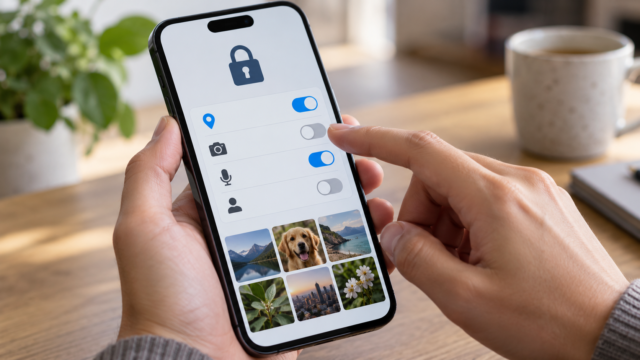
How to scan QR codes safely on your mobile phone.
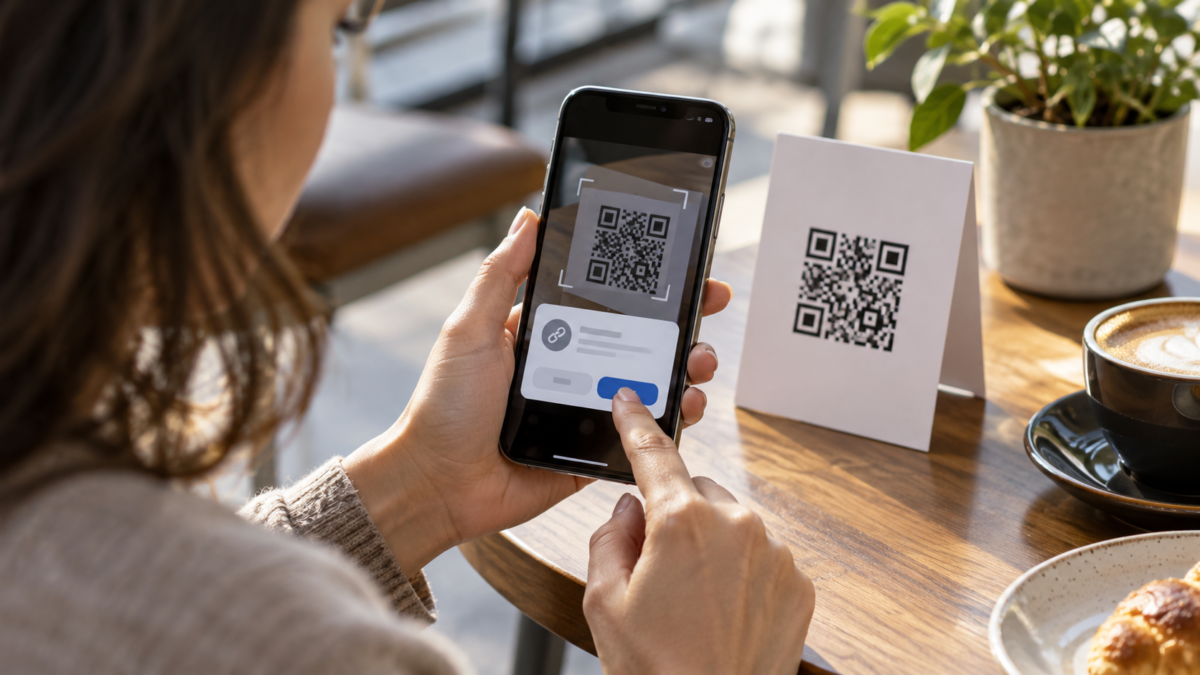
QR codes appear on menus, posters, tickets, packaging, and payment screens. Reading the square takes only a few seconds, but automatically opening everything it contains can expose you to a fake website, an unauthorized charge, or an excessive request for permissions. The safe procedure is to separate reading from decision-making: first check the destination, then choose whether to open, save, or ignore.
How a QR code works
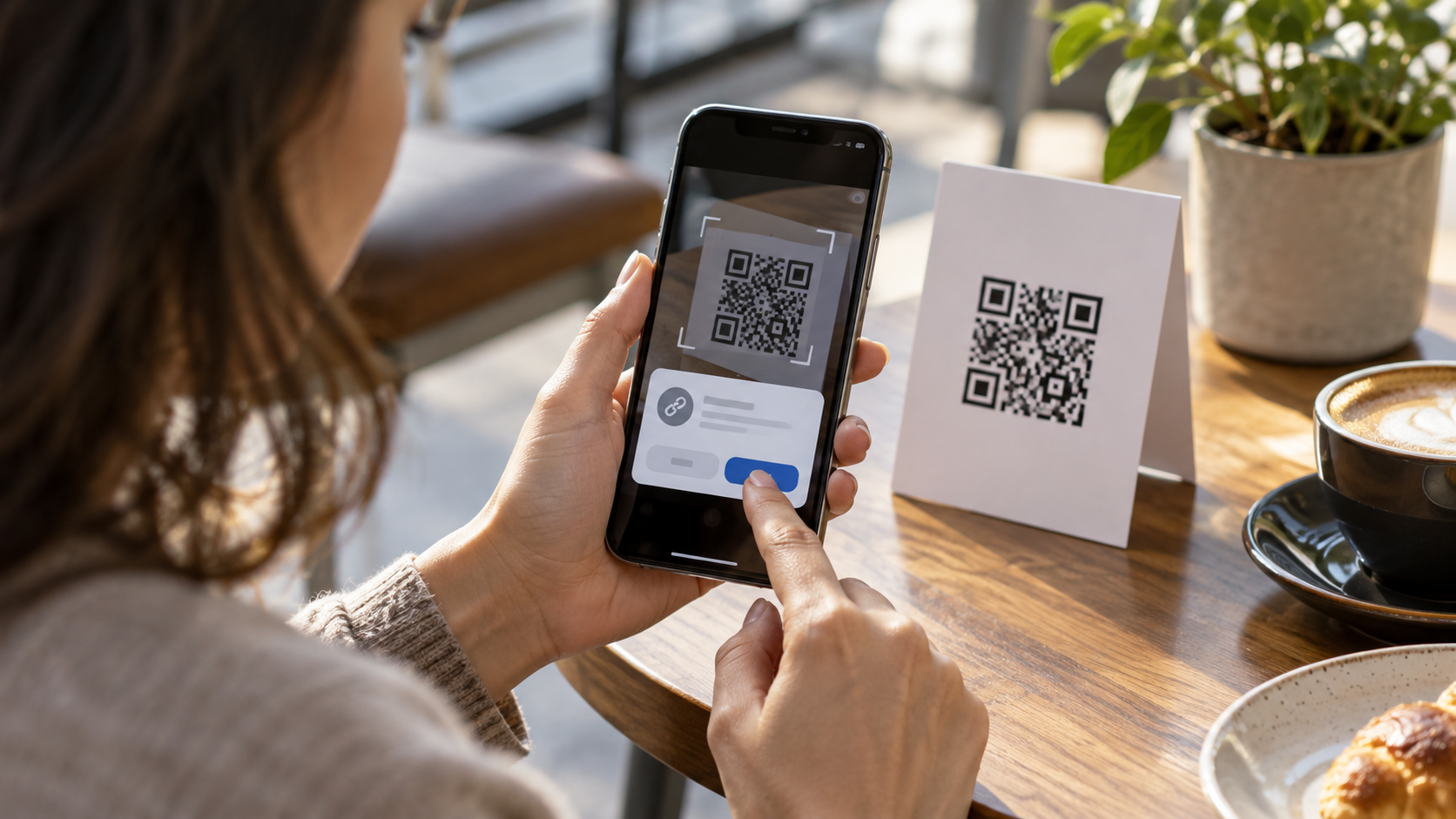
The code is an image that represents text, an address, Wi-Fi data, a contact, or instructions for an application. The design does not confirm that the information is true. A sticker can be placed over the original QR code, and a short address can hide the final domain. Static codes retain the same content; dynamic codes can redirect to a different destination after being printed.
Before scanning, check if the material appears to have been tampered with. In a restaurant, compare the code with other examples. When making a payment, it's best to open your bank's app and initiate the transaction there. A QR code received via an unexpected message deserves the same caution as an unknown link.
Read QR codes on Android
On Pixel phones, open the Camera app and point it at the code. A prompt will show the address or action; tap only after reading the domain and context. Android may also offer a QR Code Reader in the Quick Settings panel. Pixel guide It describes the routes and reminds readers that the names change depending on the version.
On other devices, the camera uses Google Lens or a built-in reader. If nothing appears, tap the Lens icon, clean the lens, and keep your phone steady. Avoid installing an unknown reader just because your browser opened an ad. Many devices already have a native option.
Read QR code on iPhone
On your iPhone, open Camera, select Photo mode, and point the code at it without touching the shutter button. When a notification appears, swipe or tap to view the address. To use a separate shortcut, open Control Center and choose Passcode Reader, when available. Apple documentation It explains that the reader can turn on the flashlight and recognize codes even in low-light environments.
If the camera doesn't recognize it, check Settings, Camera, and the option to scan codes. iOS updates may rearrange the menu. A third-party camera should be avoided if it requests unnecessary access to contacts, microphone, or location.
How to verify the link before opening it.
Read the full address in the preview. The domain is the part immediately before the first slash, not the text that appears before it. An address like banco.exemplo.com is different from exemplo-banco.com. Look for spelling errors, strange characters, and shortened domains. HTTPS helps protect the connection, but it doesn't transform a fraudulent site into a trustworthy one.
Check if the purpose makes sense. A QR code on a transport poster might lead to schedules; it shouldn't require your email password. A menu doesn't need to ask for camera access again. If there's a login, open the official app or type the address manually. For payments, compare the name, amount, and recipient on the bank screen before confirming.
Cases that require extra care.
Wi-Fi codes can automatically connect your device to a network. Use this option only in locations you know and confirm the network name with an employee. Digital wallet and authentication codes can authorize a transaction; never scan them from a screen sent by a stranger. A QR code promising a prize, refund, or urgent delivery often exploits haste and curiosity.
For tickets and events, the code may be valid even if the address looks strange, because the organizer's app performs the validation. Still, do not grant extra permissions to the browser. If a page asks you to download a profile, install an APK, or disable system protection, close it.
Solving reading errors
Improve the lighting without creating reflections, maintain sufficient distance so that all four corners are visible, and tap the screen to focus. Increase the brightness of the paper or rotate your phone. A cut-off, smudged, or very small code may not work; request a new copy. On a screen, zoom out and clean up smudges.
If the code contains text and you only want to copy it, use the preview and choose copy without opening. This is useful for order numbers and temporary passwords, but delete the contents of the clipboard afterward. For organizing documents, see also How to scan documents using your cell phone..
QR codes, privacy, and scams.
The destination website can log your IP address, time, and device. The native reader usually only interprets the image; the greater risk appears later, when you follow a redirect or grant data. Use a trusted network, keep your system updated, and do not reuse passwords. If you have already opened a suspicious link, close the page, do not install anything, review downloads, and change credentials from the official website.
How to use QR codes when traveling and at work.
At airports, hotels, and conferences, codes may point to maps, forms, or credentials. Prefer using your mobile network when the venue's Wi-Fi network is not confirmed, and disable autofill on unfamiliar pages. If the code is displayed on a screen, only take a photo if the organizer confirms it is official material; public screens can be manipulated.
To share a document, check that the link only provides access to the necessary version and that there is an expiration date. In teams, do not publish QR codes from internal environments in open channels. When the content changes, invalidate the dynamic code and update participants through a known channel. This separation between public access and private documents prevents a convenient code from becoming a permanent gateway.
At home, teach children not to scan promotional stickers without asking an adult. In businesses, maintain a procedure for confirming payments through another channel. The goal is to transform QR codes into a predictable tool, with one person responsible for their destination and access.
Frequently Asked Questions
Do I need an app to read QR codes?
On most current Android and iPhone devices, the system's camera or fingerprint reader is sufficient. Install another one only if the device doesn't offer this feature and if the privacy policy is clear.
Does HTTPS guarantee that the QR code is secure?
No. HTTPS protects the transmission, but a fake website can also use it. Check the domain, context, and data request.
Can I scan a QR code from a public Wi-Fi network?
Only confirm the network name with the establishment. Fake networks may monitor traffic or redirect you to login pages.
Why doesn't the camera recognize the code?
Reflection, low light, inadequate distance, or a damaged image are common causes. Adjust focus and lighting or request a different code.
After scanning, delete photos that contain access codes, tickets, or personal data. Keep your download history clean and review the permissions granted to your browser. Small routines reduce traces and also help to quickly identify when something went wrong.
Conclusion
Scanning is simple; trust requires context. Use the native camera, read the domain before opening, handle payments and logins with the official app, and refuse unexpected downloads. This habit preserves the convenience of the QR code without giving the design more trust than it deserves.