WhatsApp: How to edit sent messages and when to use the correction feature.
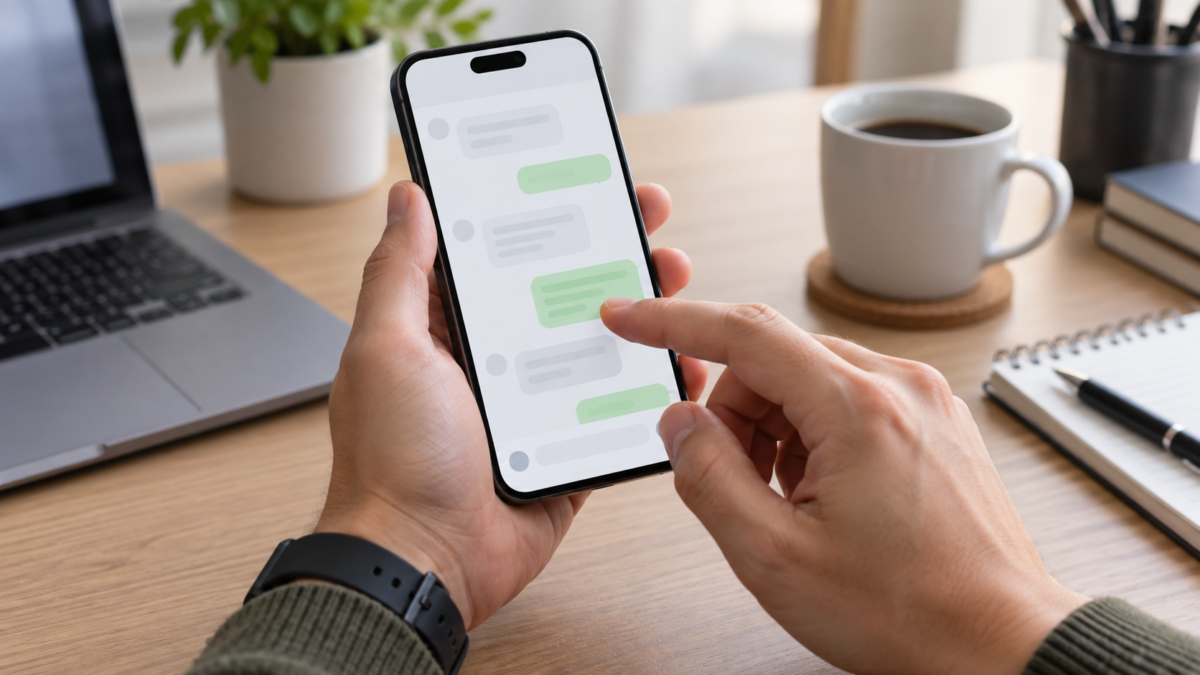
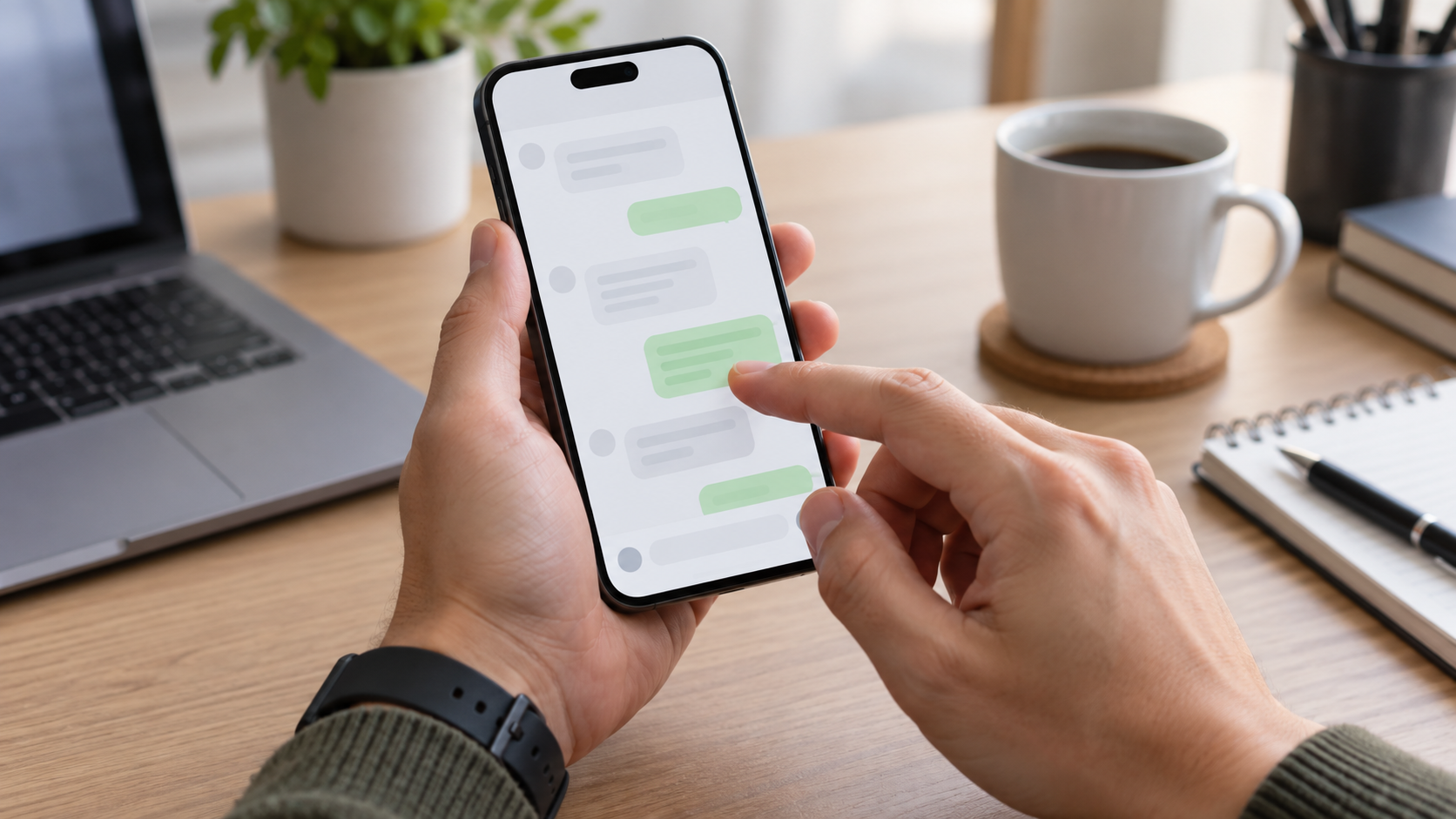
Sending a message and then realizing a mistake shortly after is a common situation. WhatsApp allows you to edit sent texts, but the feature has a time limit, depends on the app version, and doesn't turn the conversation into an unaltered record. Knowing when to edit, delete, or send a separate correction avoids misunderstandings and maintains context for the other person.
Editing is used to correct a word, change a time, adjust an address, or remove information typed in error. It is different from deleting for everyone: the content remains in the history, but appears with an indication that it has been edited. The recipient may not receive a notification detailing the previous text, so an important correction deserves additional explanation.
How to edit a message on Android
Open the conversation and locate the sent message. Tap and hold the message bubble until the action bar appears. Tap the three dots and select... Edit, When the option is available, the text field will reappear with its original content. Make the correction, check the entire sentence, and tap the submit button.
In some versions, the Edit option appears directly in the top bar after you select the message. If it's not there, update WhatsApp via the Play Store and confirm that the message was sent from your account, and not from a forwarded message or temporary content that has already expired.
After being rescued, the balloon receives the mark. edited. The original time remains associated with the message, while the edit indicates that a change has been made. The feature does not allow you to select multiple messages at the same time. To correct a sequence, edit each item or send a new message explaining the change.
How to edit on iPhone
On iPhone, press and hold the sent message and tap on Edit. The keyboard appears with the text ready to be edited. Correct the passage, tap the confirmation button, and check the edit mark in the speech bubble. The gesture may vary between iOS versions, but the contextual menu is the same place to look.
If the menu only shows Reply, Forward, Copy, and Delete, check if the deadline has already passed. Also, check if WhatsApp is updated in the App Store. The update doesn't depend on the other person using an iPhone; the app displays the corrected version on devices compatible with the feature.
What is the deadline and what happens after?
WhatsApp allows you to edit a message for a limited time after sending it. If the time limit expires, the option disappears and you need to write a new correction. The limit may be adjusted by the service over time, so confirm the current information on the official website before sharing it with someone else.
The recipient sees that the message has been edited, but doesn't automatically receive a list of previous versions. This reduces the exposure of a simple error, but can cause confusion when the change alters the meaning. In work-related matters, payments, reservations, or addresses, write something like "correcting the time: it will be at 3 PM" in a new message when accuracy is more important than appearance.
Edited messages remain protected by WhatsApp's end-to-end encryption. Editing does not create a public post or change the conversation's privacy rules. However, any participant can still take a screenshot, forward the message, or copy the text.
Edit, delete for everyone, or correct afterwards?
Use Edit for a minor error that doesn't require additional context. Changing "Tuesday" to "Wednesday," correcting a spelling mistake, or adding an accent are good examples. Use Delete for everyone when the message was sent to the wrong conversation, contains inappropriate information, or needs to be removed. The deleted message notification also draws attention and doesn't guarantee that no one has read it.
A new message is best when the change is significant. If you changed a price, a date, a safety instruction, or a group decision, keeping the original message and explaining the correction helps create a clear record. In large groups, tag the people involved so that no one relies solely on the "edited" version.
Important limitations
This feature applies to text messages. It does not rewrite a photo, audio, video, or document that has already been sent. For these types of content, send a new version and identify the file with a different name. If you edit a photo caption, the app may offer a separate action, distinct from text message editing.
Temporary messages have additional rules. A correction may not be available after the content disappears. In conversations with older versions of WhatsApp, the other person may see the updated text differently until they open the app. Encourage everyone to keep the app updated, especially in work groups.
Notifications also deserve attention. If the recipient has read the text in the lock screen preview, editing will not delete that preview. For sensitive information, delete it for everyone when possible, notify the group, and avoid repeating the information in another message.
How to avoid mistakes before sending
Read the message once before tapping send, especially when it contains numbers. On Android and iPhone, you can press and hold the text to select and copy, but review the conversation and the contact's name before confirming. In groups with similar names, open the recipient's details if the subject is private.
For times, use the time zone of the person receiving the message. For addresses, include city and country when participants are from different locations. For files, check that the attachment has finished uploading before closing the conversation. These practices reduce the need for editing and make the conversation easier to understand.
Quick questions
Does the other person receive a notification about the edit?
She sees the mark indicating that the text has been edited, but WhatsApp does not offer a complete version history within the message bubble.
Can I edit a forwarded message?
Availability depends on the content type and app version. If the option does not appear, please send a new message with the correction.
Editing removes the message from the notification?
Not necessarily. The preview that has already appeared on the recipient's screen may remain visible until it is replaced by the system.
How do I correct a file that was sent incorrectly?
Delete it for everyone within the deadline, if possible, and send the correct file with a clear name. Explain which version should be used.

Consult the Official WhatsApp Help Center to keep up with changes in deadlines and compatibility.
In professional conversations, combine editing with a confirmation routine. If the corrected message changes a task, ask the person to reply confirming they saw the new information. In groups, repeat the change in the daily summary. This precaution reduces the risk of someone following the first version after the message has already been edited.
Also, avoid editing just to hide an agreement. The clarity of the conversation is worth more than making all the speech bubbles visually perfect, especially when the group needs to refer to previous decisions.
Conclusion
Editing messages is a tool for correcting minor errors without creating another message bubble, but it doesn't replace transparent communication. Choose between editing, deleting, or sending a new correction depending on the impact of the change, respect the deadline, and remember that a preview may have already been read. With this care, the conversation remains more precise without hiding important information.