Google Photos: How to free up space on your phone without deleting your photos.
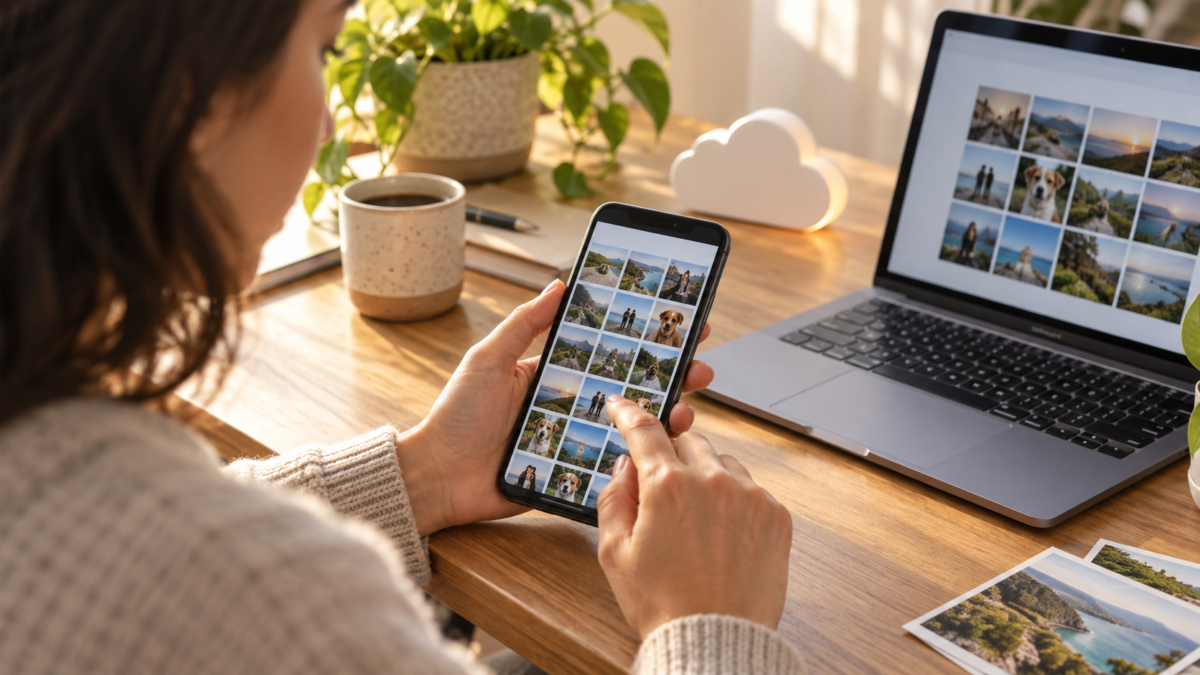
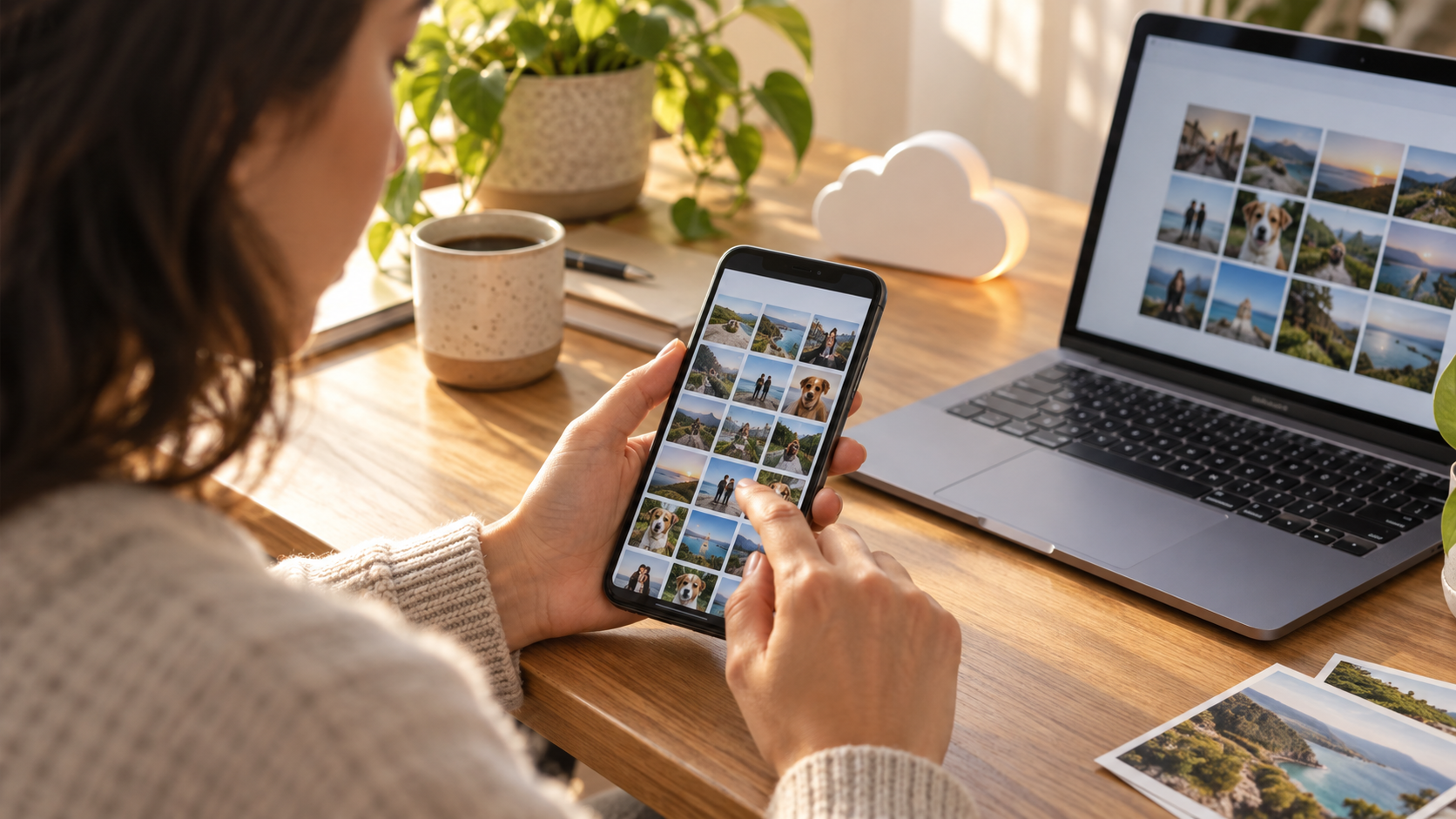
When your phone's storage reaches its limit, deleting photos seems like the quickest solution. The problem is that the same image might be saved on your device, in Google Photos, and in a message folder. Before deleting anything, it's worth understanding where each copy is located and using the feature that frees up local space without removing the photo from the cloud library.
Google Photos offers the action Free up space on this device.. It searches for photos and videos that have already finished backing up and only removes the copies stored on the phone. The library remains available for consultation when there is an internet connection. This feature is useful for those who need to recover storage without losing travel photos, photographed documents, and family moments.
What needs to be right before freeing up space?
First, check the Google account displayed in the app. The backup is linked to the active account, and switching accounts might give the impression that the photos have disappeared. Tap on the profile picture and confirm the address. On a device with both personal and work accounts, also check if the open library is the one you intend to keep.
Next, check the backup status. The app should indicate that the upload is complete or that there are no pending items. If a queue appears, keep your phone connected to Wi-Fi and power until it's finished. Long videos, messaging app folders, and RAW photos may take longer. Freeing up space while the backup is incomplete may delete a local copy before it reaches the cloud.
Open some recent and old images on a different network than your home network. This simple test confirms that the account can retrieve the version stored online. If a photo only loads when the phone is in airplane mode (turned off), that's expected; what matters is that it appears after the local copy is removed.
How to use the button on Android
On Android, open Google Photos, tap your profile picture, and search. Free up space on this device.. The app shows how many items can be removed and an estimate of the space required. Read the warning: only items with completed backups will be included in the selection. Confirm and wait for the process to finish without forcibly closing the app.
After cleaning, the album continues to show thumbnails. When you tap on an image removed from your device, Photos temporarily downloads it for viewing or editing. Therefore, storage space may increase again if you edit many videos or mark files for offline use. The tool frees up local space, but does not reduce the size of your cloud library.
Some phones display a similar option in the system's storage management menu. Prefer the button within Google Photos, because it knows the backup status. The cleanup performed by the Android file manager may delete folders that haven't yet been uploaded or edited versions saved by another application.
How to check on iPhone
On your iPhone, open Google Photos and check the backup message. Tap your profile picture and choose the option to free up device space when it becomes available. The app will request access to your photo library and may redirect you to Apple's Photos app to confirm the deletion of local backups.
After confirmation, open the Apple Photos app and check the Deleted Items folder. iOS may keep images there for a period before permanently removing them. If you use iCloud Photos, note that deleting a local copy via Google Photos may interact with your system's photo library. Read the warning displayed by your device and do not empty the trash until you confirm that your main photo library is preserved.
What the tool doesn't remove
The feature does not automatically delete photos that have not yet been backed up, files from other cloud services, or images that are only in conversations. It also does not delete downloaded attachments in app folders, screenshots outside of folders included in the backup, and edited copies that Photos has not identified as duplicates.
If the goal is to free up significant space, examine videos. They take up more space than photos and can exist in two resolutions. In Google Photos, use the video search function and review items before deleting any originals. Instead of deleting an important file, consider transferring it to a computer or external drive and keep a second copy.
How to avoid confusing cloud and device.
A photo visible in Google Photos doesn't necessarily mean it's stored locally. The cloud icon and download notifications help differentiate between them. For trips without internet access, use the option to mark albums or items for offline access, remembering that this will take up space again.
Do not use the command. Delete From the library to free up space. This action may send the photo to the account's trash and remove it from other synced devices. Only use the specific action to free up device space. If the menu does not appear, update the app through the official store and check if any items have been backed up.
When is it worth making an additional copy?
Photos of documents, contracts, receipts, and work images deserve a separate copy. Google Photos is a library, but an account can be locked, have its password lost, or reach its storage limit. Download important files to a computer and keep the folder on an external drive. For family photos, a second account or a different cloud service can offer peace of mind.
Organize the backup by year and event, not just by the automatic file name. This makes it easier to find a photo if you need to retrieve it without relying on the app's search function. Organization also helps you identify if any month hasn't been synced.
Quick questions
Do photos disappear from Google Photos?
No, if the backup was completed and you used "Free up space on this device," the local copy is removed, but the version in your account remains available online.
Can I use the button without Wi-Fi?
You can open the screen, but confirm the backup first. Without a connection, it's not possible to test if the image is actually in the cloud after cleaning.
Why hasn't the space expanded?
The system may need to empty the trash or recalculate storage. Files from other applications and videos not included in the selection also continue to occupy space.
Does this feature delete photos from iCloud?
On your iPhone, read the deletion notice and check your Apple photo library. Synced services may handle local deletion differently.

For the most up-to-date details on this feature, please refer to the Official help from Google Photos on freeing up space..
Perform the cleanup in stages when your phone is almost full. Start with a small folder, check the library on another device, and only then repeat the procedure. This pause is useful for accounts with many users, on devices that mix work and personal folders, or when the connection fluctuates. If the phone is out of space to complete the app itself, first remove known temporary files and restart the process, without touching the photo folder that has not yet been checked.
Conclusion
Safely freeing up space involves verifying your account, waiting for the backup to finish, and using the Google Photos action. Then, test a few images and keep separate copies for truly important files. This way, you recover storage on your phone without turning a quick cleanup into permanent photo loss.