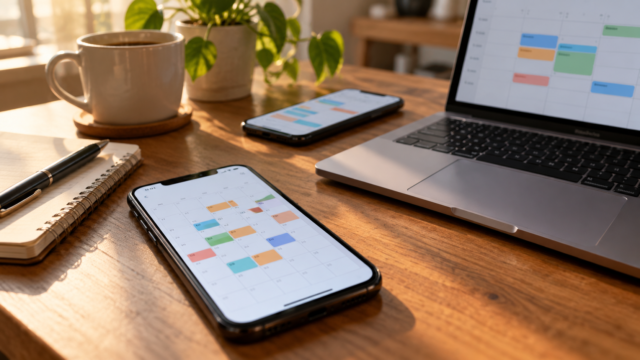
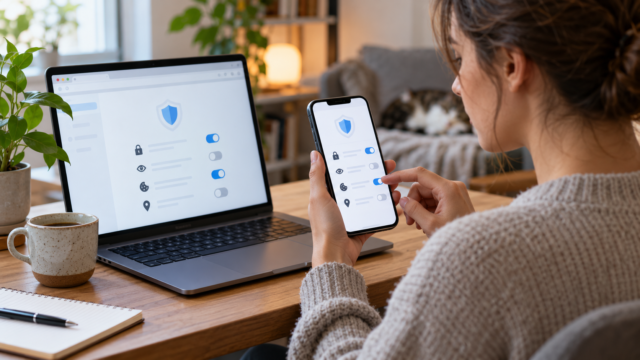
Google Calendar: How to schedule appointments across time zones
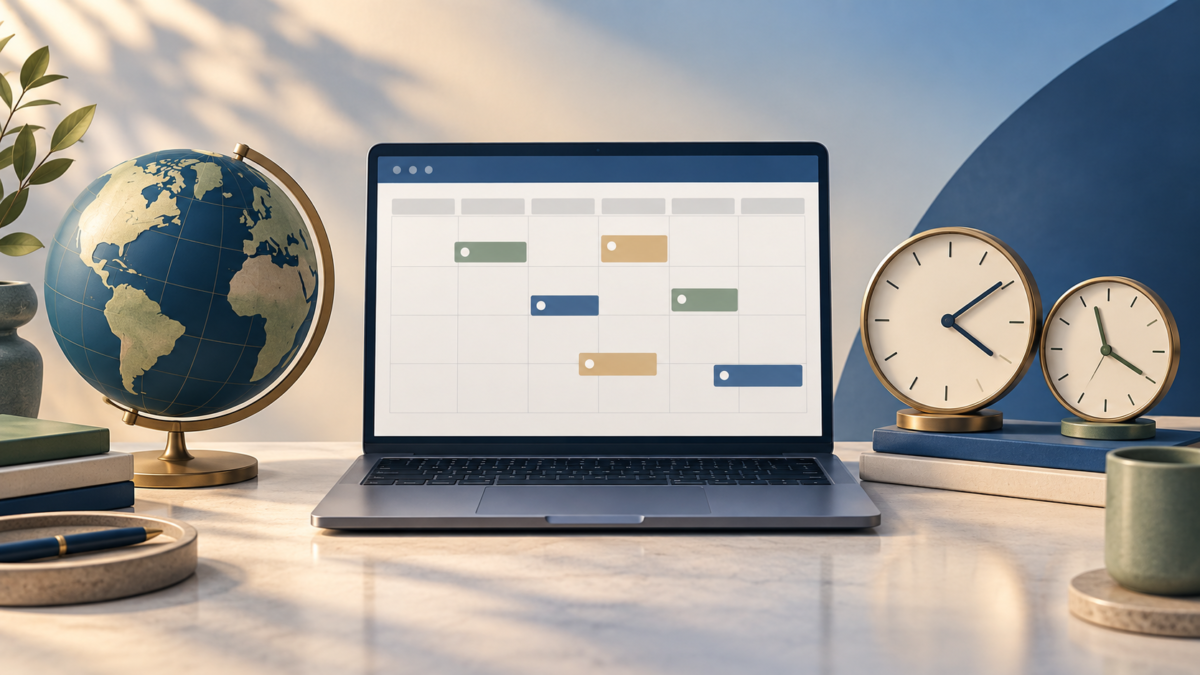
A meeting might start on time for one person and seem wrong for another when the participants are in different cities. Google Calendar allows you to associate a time zone with the event, show another time zone as a reference, and review what happens during a trip.
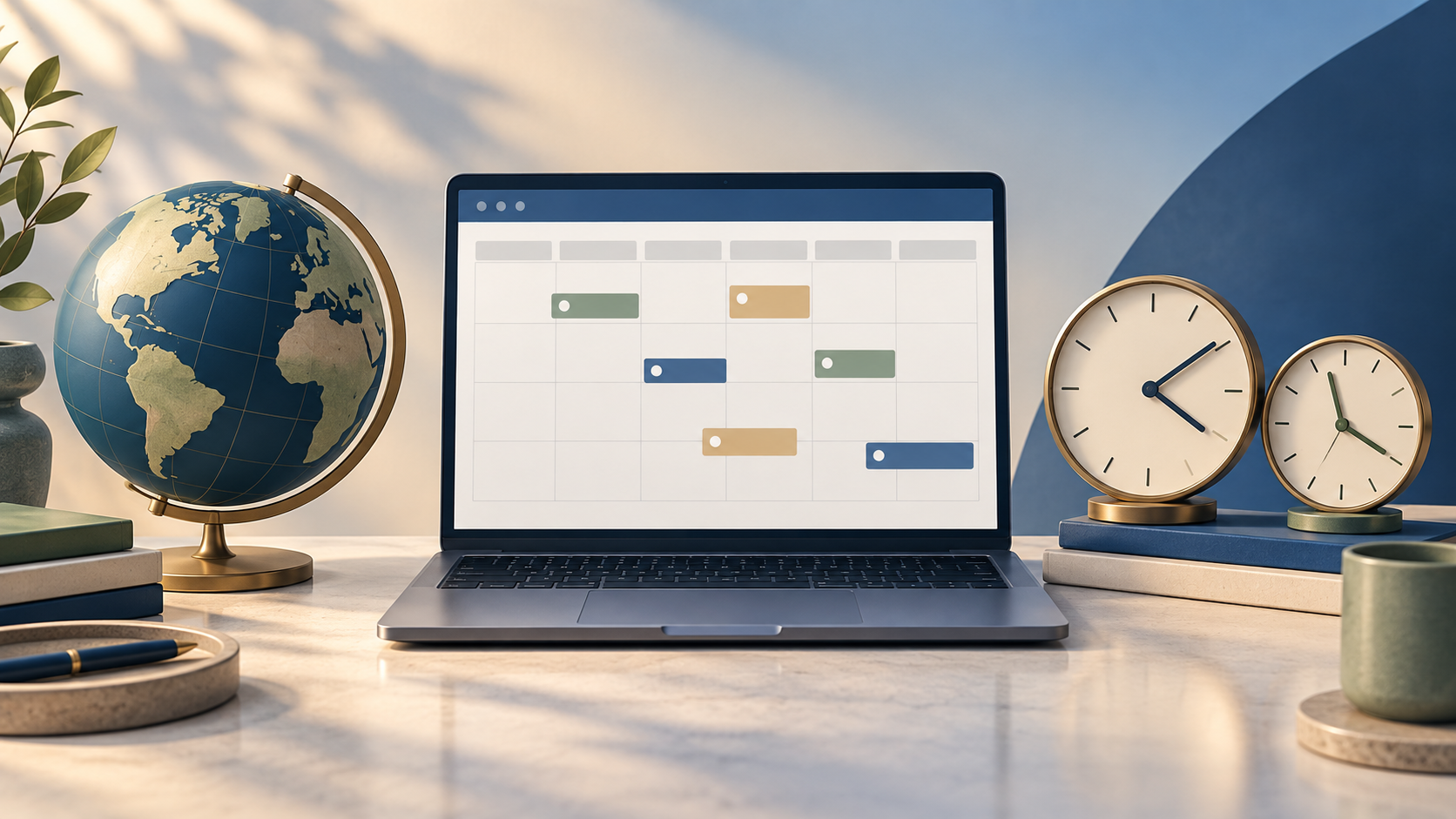
Define the time zone of the appointment.
On your computer, create the event and open it. More options. Next to the time fields, select the time zone and choose the city or region that represents the appointment. If the event is a call with participants from different countries, write the location and expected time in the description to avoid confusion.
The invitation is converted to each participant's time zone. Therefore, a meeting created in Cuiabá will appear at a different time for someone in Lisbon or New York, without requiring you to do the calculations manually.
Use a second time zone as a reference.
In the Google Calendar web settings, enable a secondary time zone and give it a name. The additional column helps you compare working hours in another city before scheduling a call. On mobile, the app uses the device's time zone to display events.
What to change during a trip
On Android, iPhone, and iPad, check the general Calendar settings and the option to use your device's time zone. Leaving this option active will make events track the network and location settings configured on your phone. Those who prefer to keep their home time can disable it and choose a fixed time zone, but should check invitations before traveling.
Daylight saving time and recurring events
Daylight saving time rules vary by region and may change throughout the year. For recurring meetings, use a city or region recognized by Agenda instead of a numerical offset, such as UTC-3. Review upcoming occurrences when a country changes its rules.
Compatibility and cost
Basic time zone features are available in the browser and in the Google Calendar apps for Android, iPhone, and iPad. No extra subscription is required to create events and invitations, although work or school accounts may have their own policies.
To better organize your week, also see apps for organizing tasks on your phone e tools for fitting in short studies and workouts.

Conclusion
Choosing the time zone at the event itself and reviewing the agenda before a trip avoids most scheduling conflicts. When the meeting is recurring, a quick check of upcoming dates also protects against daylight saving time changes.