How to use NFC on your mobile phone: payments, tags and compatibility.
NFC allows for the exchange of small amounts of information when two devices are very close. It's the technology behind contactless payments, transit cards, digital badges, and tags that open links or execute routines. While it may seem simple, the result depends on the phone's hardware, operating system, wallet app, bank, and country regulations. This guide shows you how to check for support, activate the feature, pay securely, and use tags without confusing compatibility with regional availability.
Before testing, update your system and install only the official wallet for your device. Do not bring your phone close to an unknown tag if you don't know what action it will perform. NFC has a short range, but a malicious link can still open a dangerous page. For payments, use a strong screen lock and keep your device under your control.
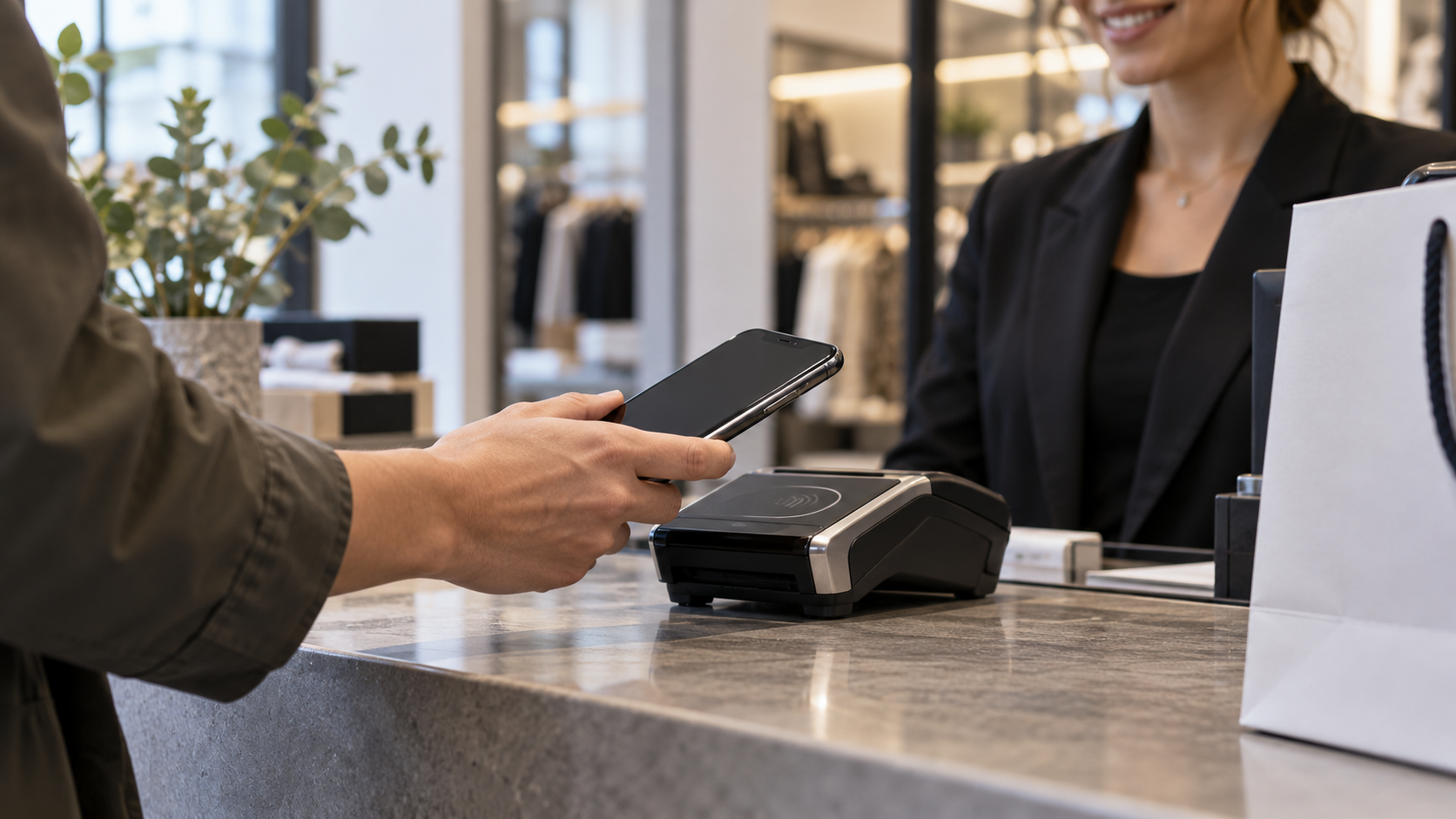
What is NFC and what does it not do?
NFC stands for Near Field Communication. Unlike Bluetooth, it works within a few centimeters and usually doesn't require manual pairing. The phone can read a passive tag, exchange data with another compatible device, or communicate with a payment terminal. The technology does not provide internet access, does not increase the phone's range, and does not transform any card into a digital card.
There are various uses and standards. Tags can store an address, text, or a simple instruction. Payments use a security layer and a token defined by the wallet and the bank. Corporate transport and access may use proprietary systems. Therefore, reading a tag does not mean that the phone will be able to pay at a machine, and having NFC does not guarantee support for all wallets.
How to check if a cell phone has NFC
On Android, open Settings and search for “NFC” or “contactless payments”. On some devices, the option is located in… Connected devices, Connections or in the quick access panel. If there are no results, check the exact model and region specifications. Variants with the same trade name may have different hardware.
On iPhones, NFC is automatically used by Apple Pay and compatible reader devices. Newer models can also read tags in the background, but behavior depends on the iOS version and tag type. Apple Pay availability varies by country and financial institution; please check the availability guidelines. official Apple Pay page before relying on the resource.
Enable NFC on Android
If your device offers a switch, activate it in Settings. Then open your default payment app and add a card following your bank's instructions. On many models, simply leave your phone unlocked and bring the back of the card close to the device. If you have more than one wallet installed, choose which one will be the default in Settings. Contactless payments.
O Google Wallet It requires the device to have a screen lock, a certified system, and a compatible payment method. The list of accepted cards varies by country; relationship for Brazil It's different from other markets. Even when the card appears in the app, the bank may require additional confirmation.
How to pay securely with contactless payments
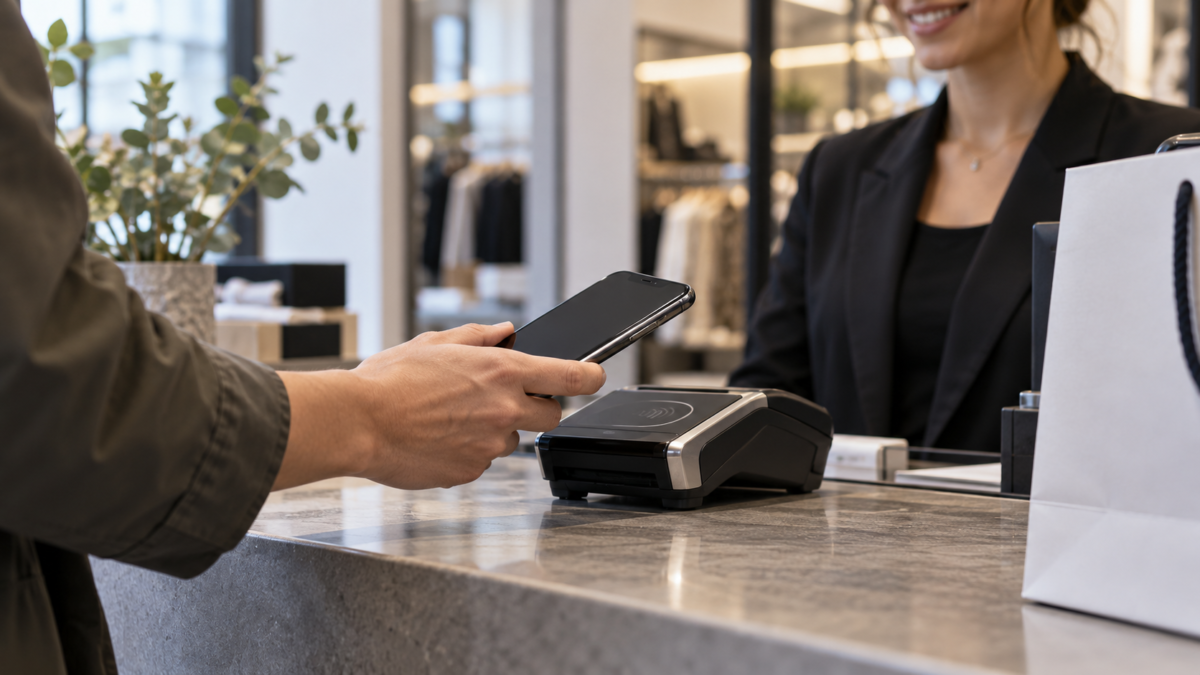
Unlock your phone, check the amount on the terminal, and bring the device close until a confirmation appears. Do not hand your phone to the cashier or keep multiple wallets open unnecessarily. The terminal should show approval before you leave. For larger purchases, the system may require biometrics, PIN, or card authentication.
Payments typically use a virtual number or token, not the full card number. Even so, treat your phone like a physical wallet: use a password, updates, and remote location features. Enable bank notifications to quickly recognize transactions. If you lose your device, block the line, mark it as lost, and ask your bank to suspend payment tokens.
How to read and program NFC tags
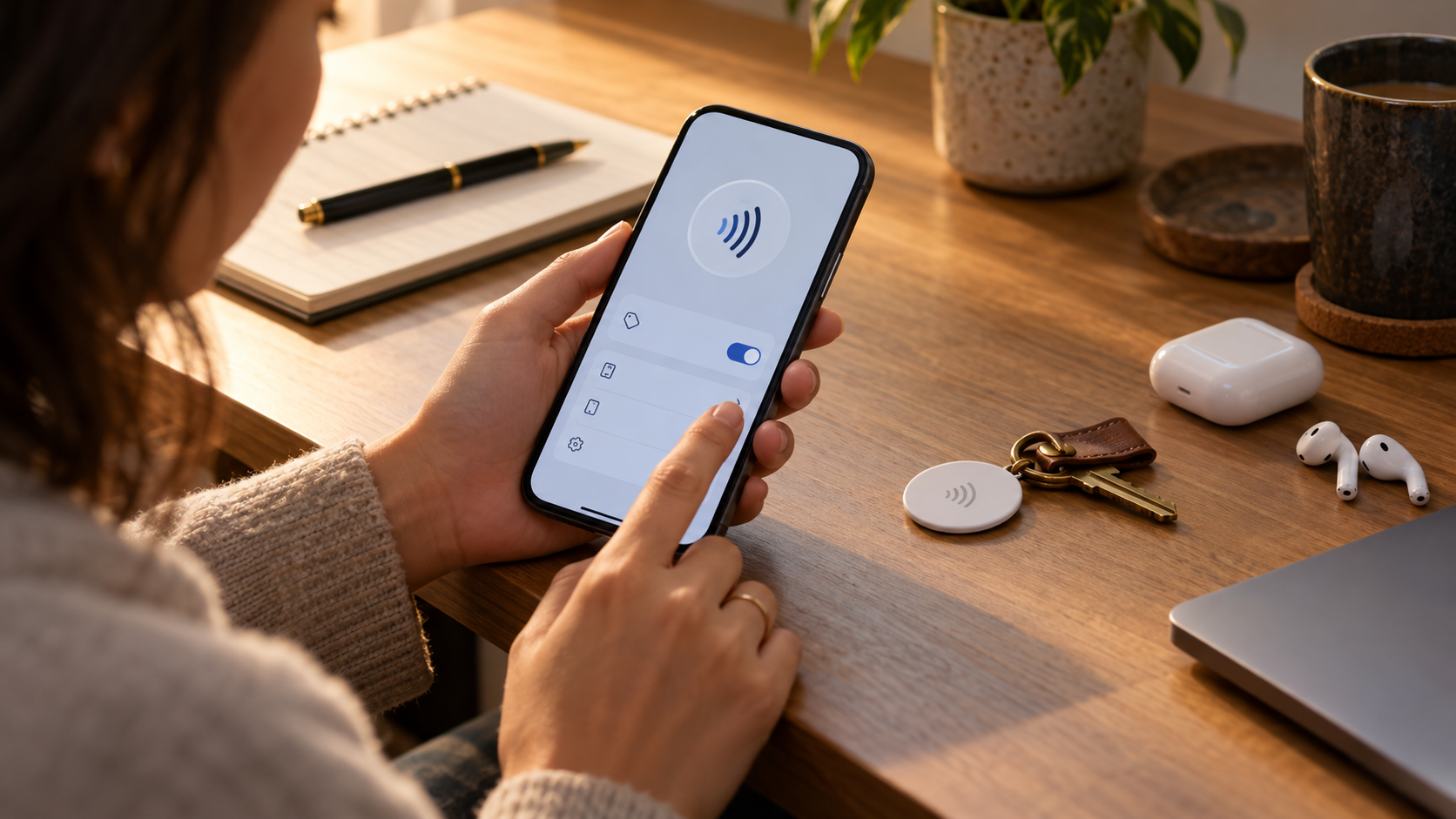
To read a tag, bring the back of your phone close to the tag and wait for the notification. A tag can open a page, display a contact, or initiate an action in the system. Read the address before tapping on it and keep your browser updated. Empty tags can be saved with specific apps; choose a format compatible with other phones and avoid saving sensitive information.
A simple tag can open guest Wi-Fi, a map, or a company's contact form. Do not store passwords, access keys, or documents. Some devices read tags with the screen locked, while others require unlocking. In public environments, anyone can replace an unsealed tag; use a visual label or confirm the domain before proceeding.
When NFC doesn't work
Start by removing thick cases, magnetic wallets, and metal accessories. The antenna may be located at the top, center, or bottom of the phone; slowly move the device over the terminal. Confirm that NFC is enabled, that the wallet is set as default, and that the card has not expired. Google maintains a roadmap of troubleshooting for contactless payments.
If the machine refuses, try another terminal and check if the store accepts the card. A failure in all locations may indicate a bank lockout, an uncertified system, or a hardware problem. Do not restore the phone before noting the error message. If only tags fail, test a known tag and check if the reader app has permission to open links.
NFC, Bluetooth, and QR code: which one to choose?
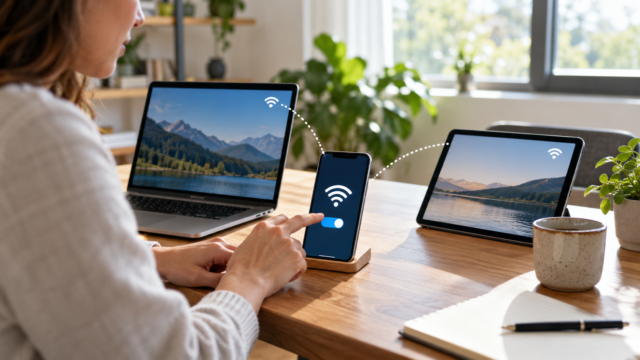
NFC is best for quick, close-range actions, such as validating a payment or opening a tag. Bluetooth has a longer range and is suitable for audio and accessories, but requires pairing and consumes more energy in continuous use. QR codes work with the camera and can be read from a greater distance, but depend on lighting and a visible surface. Choose the technology based on the distance, the amount of data, and the level of control you need.
Availability by country and by institution
NFC standards are global, but the services surrounding them are not. A bank might allow payments on Android but not on iPhone, or only accept certain models. Digital wallets and documents have their own rules. Before traveling, confirm that your card, country, and carrier are accepted and that the payment works offline for a few minutes. Carry a physical alternative when relying on transportation or access.
Frequently Asked Questions
Can all NFC-enabled phones make payments?
No. You need to have a compatible system, screen lock, accepted wallet, participating bank, and in some cases, device certification.
Does NFC require internet?
Communication with a tag usually doesn't require internet access, but opening a link does. The wallet may authorize some offline transactions, depending on the bank and the token available.
Can I bring my phone close to any tag?
You can read a compliant tag, but check the notification and domain before opening. Do not store sensitive data or trust unverified public tags.
Why can't the terminal find my phone?
Remove the cover, move the antenna over the reader, unlock the device, and confirm the default wallet address. If it fails in multiple locations, contact your bank or the manufacturer.
Conclusion
NFC is a fast bridge between your phone and the physical world, but each use has its own requirements. Check your hardware, activate the correct wallet, use screen lock, and treat tags as public links. With these precautions, you can pay, access information, and automate small tasks without relying on cables or time-consuming pairing.