How to block and hide apps on Android and iPhone
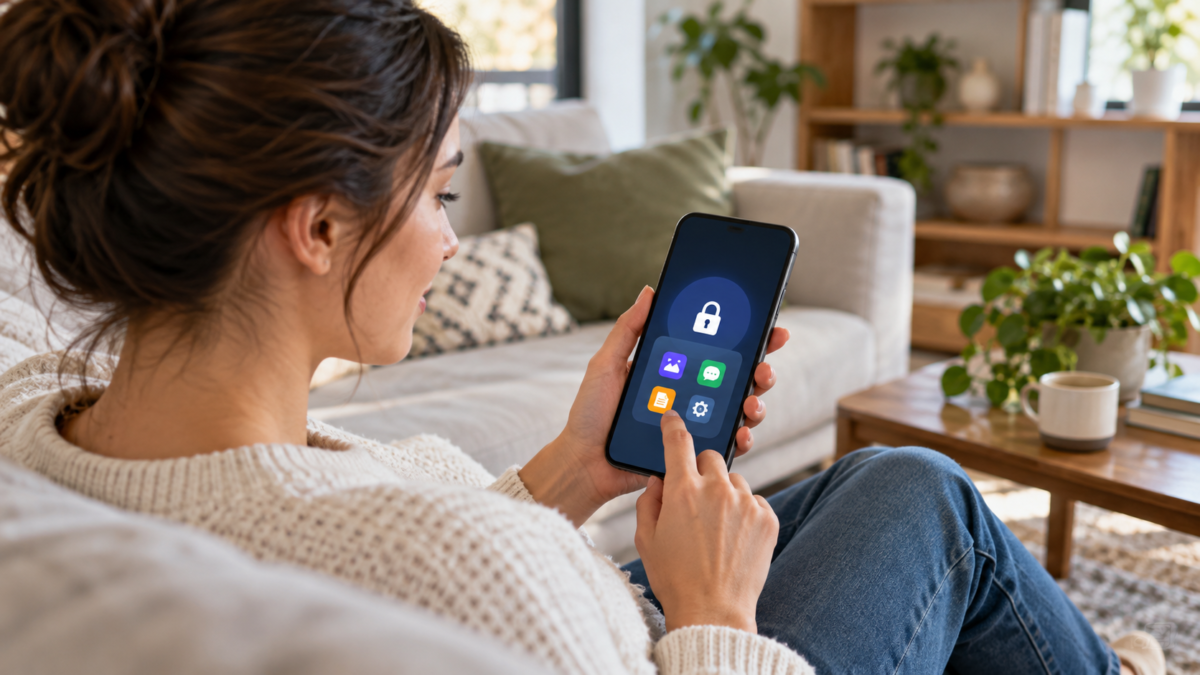
Locking apps helps separate privacy from simple screen organization. It's useful when you lend your phone, share a tablet with family, or want to prevent a notification from revealing a conversation. Android and iPhone offer different features: some block access with biometrics, others hide the icon, and some manufacturers create their own protected area. In this guide, you'll choose the appropriate method, configure the protection, and understand what can still appear outside the app.
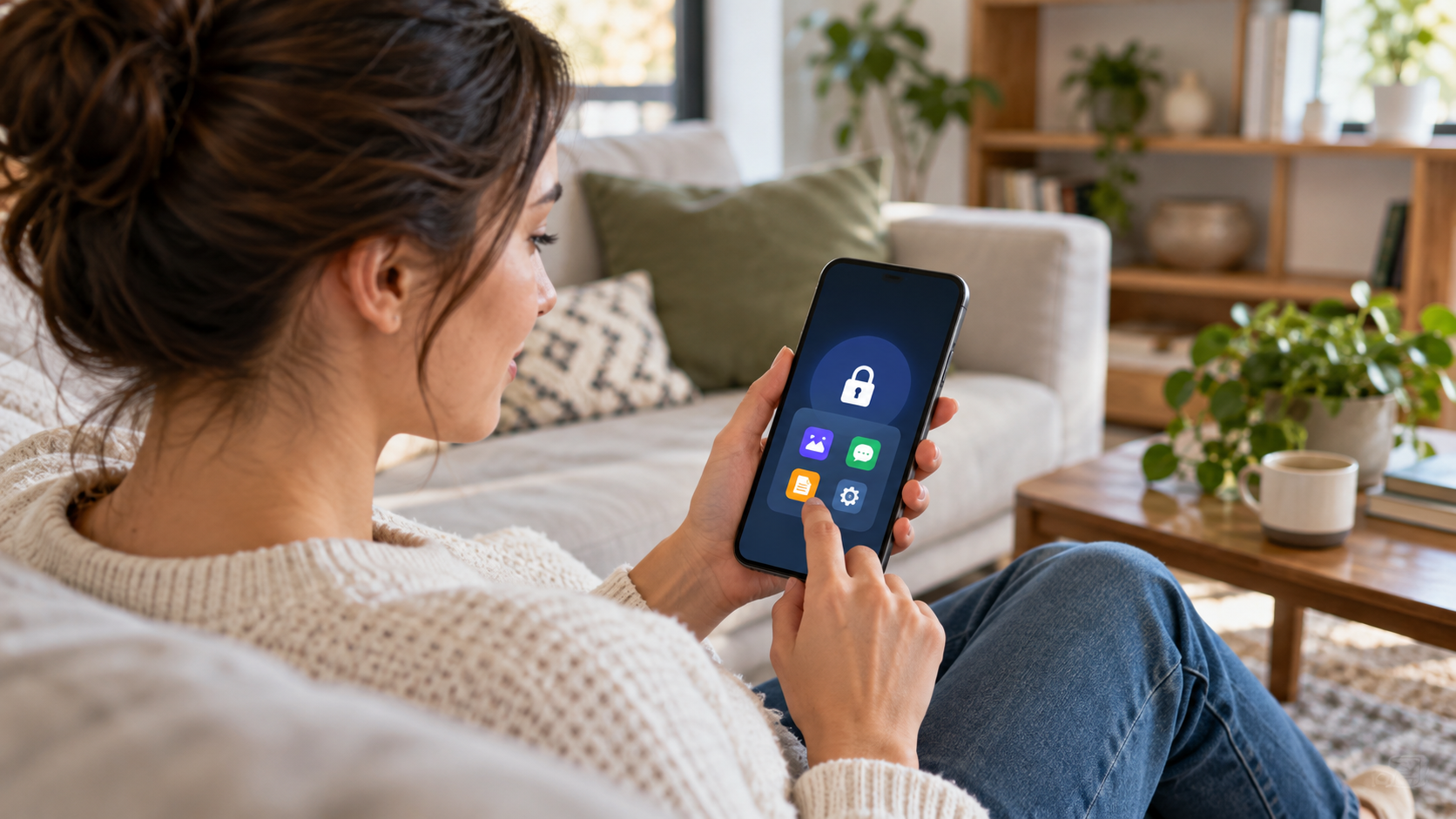
What does it mean to block or hide an app?
Blocking means requiring Face ID, Touch ID, fingerprint, facial recognition, or a passcode before opening an app. The icon remains visible, but the content is protected. Hiding is different: the app no longer appears on the home screen, in regular search results, or in a normal folder. In many systems, it remains installed and may appear in settings, the shopping list, storage control, or notifications. Therefore, hiding reduces casual exposure, while blocking protects access.
Before you begin, update your system and set a strong passcode. Biometrics are convenient, but a passcode remains the key to recovery. Avoid using the same passcode as your bank on a shared device and review which notifications are visible on the lock screen.
How to block and hide apps on Android
On phones with recent Android versions, look for the feature. Private space In Settings > Security and privacy or in Security. The name and path may vary by manufacturer. Tap to create the space, choose your own lock or use the device's lock, and install the apps you want to separate within it. The space functions as an isolated profile: the apps installed there have data and accounts independent of the apps in the main profile.
When Private Space is locked, your apps won't appear in the regular app drawer, suggestions, or some sharing screens. You can set it to lock automatically upon restarting or after a period of inactivity. The official guide... Google explains Private Space and its limitations. The feature depends on the Android version and may not exist on corporate devices, older models, or heavily modified interfaces.
To use the storage space without creating clutter, install a second copy only when needed. A messenger within the storage space does not automatically share contacts, photos, or notifications with the main account. If you remove the storage space, the data stored in it may be permanently deleted; export or back up your data before resetting the feature.
Alternatives in Samsung and other brand cell phones
Samsung offers the Secure Folder, This creates a protected area for apps and files. Open Settings > Security & privacy > More security settings > Secure Folder, set up authentication, and add the apps. On other manufacturers' devices, look for names like Vault, Private apps, or App lock. These features may only protect selected apps and don't necessarily hide the app everywhere.
When a device doesn't have a built-in screen lock, a third-party blocker might request accessibility or access to notifications. Evaluate the privacy policy, the developer's reputation, and the number of permissions granted. An app that demands full access to screen content can create a greater risk than the original problem.
How to block and hide apps on iPhone
On an iPhone with iOS 18 or later, hold your finger on the app icon and choose Require Face ID, Touch ID or code. The system will then request authentication every time the app is opened. To hide the application, choose Hide and require Face ID. It will be moved to the Hidden folder in the App Library. The official procedure is described in... Apple's personal security guide.
Not all apps can be hidden. System apps, such as Settings, Clock, or Find My, may remain visible. The Hidden folder requires authentication and is not located on the home screen, but the app's name may appear in purchase history, usage time, storage settings, and system suggestions. The feature also does not create a separate account for the app.
To prevent messages from revealing their content, open Settings > Notifications, select the app, and set Show previews to Never or When unlocked. You can also turn off alerts on the lock screen. This is necessary even when the app is locked, because a preview can reveal the sender, subject, or authentication code.
What to do when the blocking doesn't work
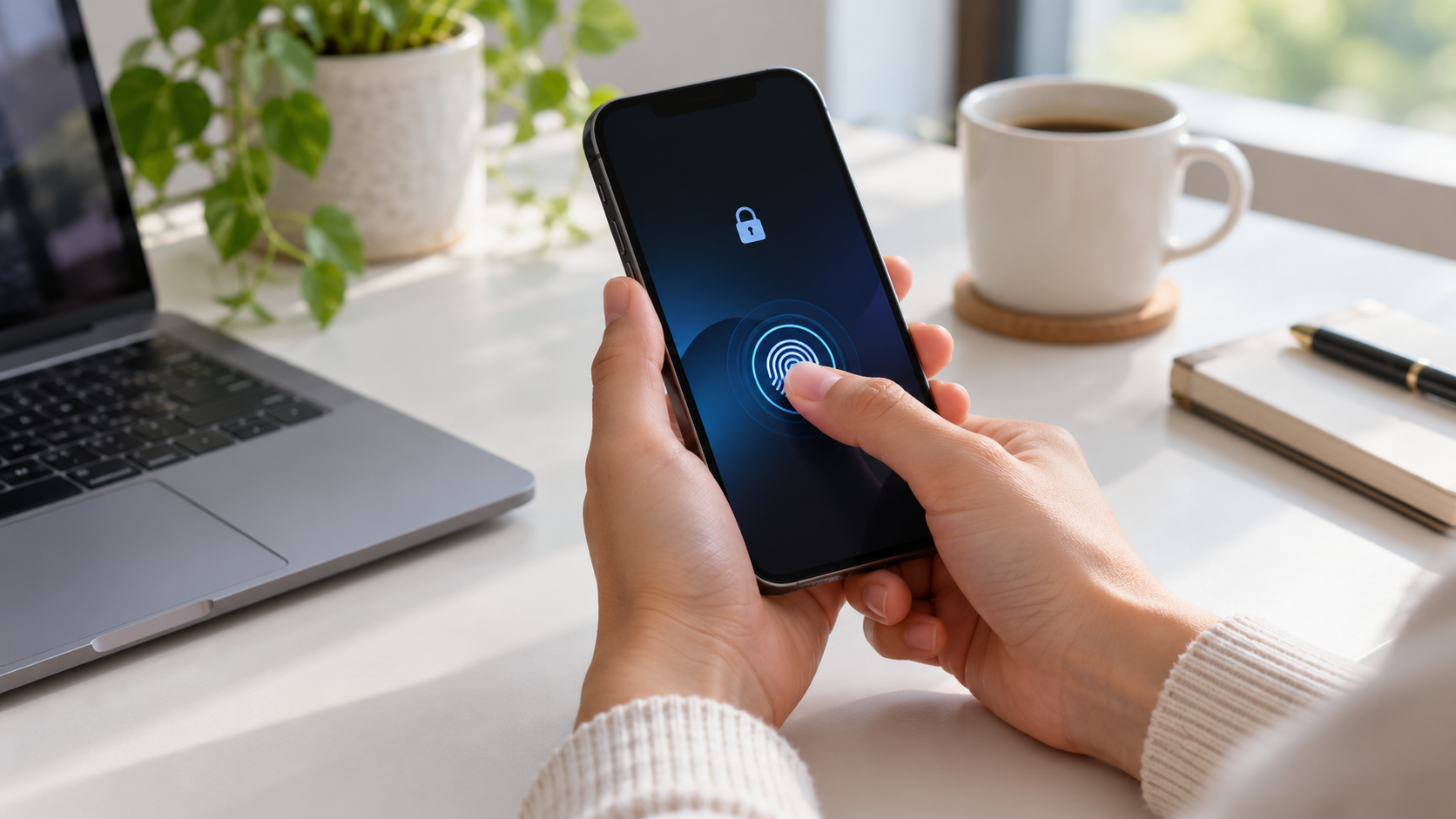
First, confirm the system version and whether biometric authentication is enabled. Restart your phone and try opening the app via the search shortcut, a received link, or the settings menu; these options help determine if the lock is general or just visual. On Android, check if you are on your main profile or in Private Space. On Samsung, look for the app within the Secure Folder, as the two installations may have different settings.
If the intention is to prevent changes, combine the lock with screen time controls. On iPhone, Screen Time can limit installations and purchases; on Android, Family Link helps with supervised accounts. These controls don't replace the privacy lock, but they prevent someone else from uninstalling, changing permissions, or installing a different version.
Frequently Asked Questions
If the app is blocked, will it stop receiving messages?
Generally, no. It may continue syncing in the background, but the system may hide the content of notifications. If you want to stop the activity entirely, pause the app, disable background data, or sign out of your account.
Can I hide an app without a password?
There is no real protection without authentication. A discreetly named folder only organizes the screen; anyone can open the app. Use a code or biometric authentication and keep the device locked.
Does Private Space protect photos from the main gallery?
Only the files imported into it will be available. Photos that remain in the main gallery will still be accessible. Move or copy the file to the protected profile and confirm which account has the backup active.
What happens if I forget my password?
It depends on the feature. Some allow recovery using the device's account; others require deleting the protected area. Consult the manufacturer's instructions before saving important data there.
It's also worth reviewing what appears in widgets, shortcuts, and sharing history. A blocked app may still be suggested by the keyboard or search bar, and an exported file may go to the phone's public folder. Disable sensitive suggestions, check photo, microphone, and location permissions, and remove shortcuts from the lock screen. On a work device, also confirm whether company policy allows the use of a private profile; administrators can disable or delete this space remotely. Test with another person only after hiding previews and blocking the installation of new apps.
Review these options whenever you change devices, update the system, or add a new account to your phone.
Conclusion
Choose the lock option when the goal is to protect access, and use the hidden option to reduce icon exposure. On Android, Private Space and Secure Folder offer data separation, but vary by model. On iPhone, Face ID lock and the Hidden folder are integrated into the system, but don't hide all evidence in the settings. Combine authentication, discreet notifications, and regular updates for consistent protection without relying on unknown apps.