How to set up and use eSIM on Android and iPhone
eSIM is a digital chip integrated into the device. Instead of inserting a plastic card, you install a plan via QR code, app, or transfer between compatible phones. The technology makes it easier to switch carriers, keep a travel line, and use two numbers on the same phone, but the experience depends on the model, carrier, and country. This guide explains how to prepare for activation, transfer a line, check compatibility, and resolve the most common problems.
Before starting, connect your phone to Wi-Fi, charge the battery, and confirm that you have access to the email or phone number used by your carrier. Do not erase the physical SIM card or restore the device until you have tested calls, messages, and mobile data. When traveling internationally, check roaming rules, plan validity, and any potential regional restrictions.
What you need to check first
Find the exact model name in Settings or Adjustments Compare this to the list of devices accepted by your carrier. Two visually identical versions may have different support depending on the region. The device also needs to be unlocked to accept another network if you intend to use a foreign plan. For example, some recent iPhone models purchased in the United States only work with eSIM; in other markets, a physical SIM tray is still available.
Check if the carrier offers eSIM for prepaid, postpaid, second line, or only for certain plans. There may be a charge for the exchange, a limit on reissues, or a requirement for in-person service. The QR code is usually for single use only. Keep the contract confirmation, but do not share the code on social media, as it may allow for reactivation.
How to install an eSIM on Android
The names vary between Samsung, Pixel, Motorola, and other brands. In general, open Settings > Network and internet or Connections > Chip Manager and choose Add eSIM, Download a new SIM or an equivalent option. Point the camera at the QR code sent by the operator and confirm the download. If the code is on the same device, open the link on another device or request a manual code.
After installation, give the line a name, such as "Personal" or "Travel". Define which SIM will be used for data, calls, and SMS. On dual SIM phones, leaving both active can increase battery consumption and cause confusion when selecting calls. Temporarily deactivate the line that will not be used, but keep the eSIM installed to reactivate it later.
O Android support It is recommended to follow the operator's instructions, as the process depends on the manufacturer. If the camera does not recognize the QR code, adjust the lighting, increase the code size on another screen, and choose the option to enter the data manually when offered.
How to set up eSIM on iPhone
On your iPhone, go to Settings > Cellular and tap on Add eSIM or Add Cellular Plan. You can use the camera to scan the QR code, transfer the data from a nearby iPhone, or open the link provided by your carrier. Apple maintains a regional step-by-step guide at [link would go here]. Setting up the eSIM on your iPhone. During activation, the phone may lose signal for a few minutes.
Choose a label for each line and set the default line. If you have a personal and a work number, also decide which one will be used for iMessage and FaceTime. For travel, you can keep the main line deactivated and use the eSIM's data plan; this reduces the risk of accidental roaming, but incoming calls on the deactivated line will not work.
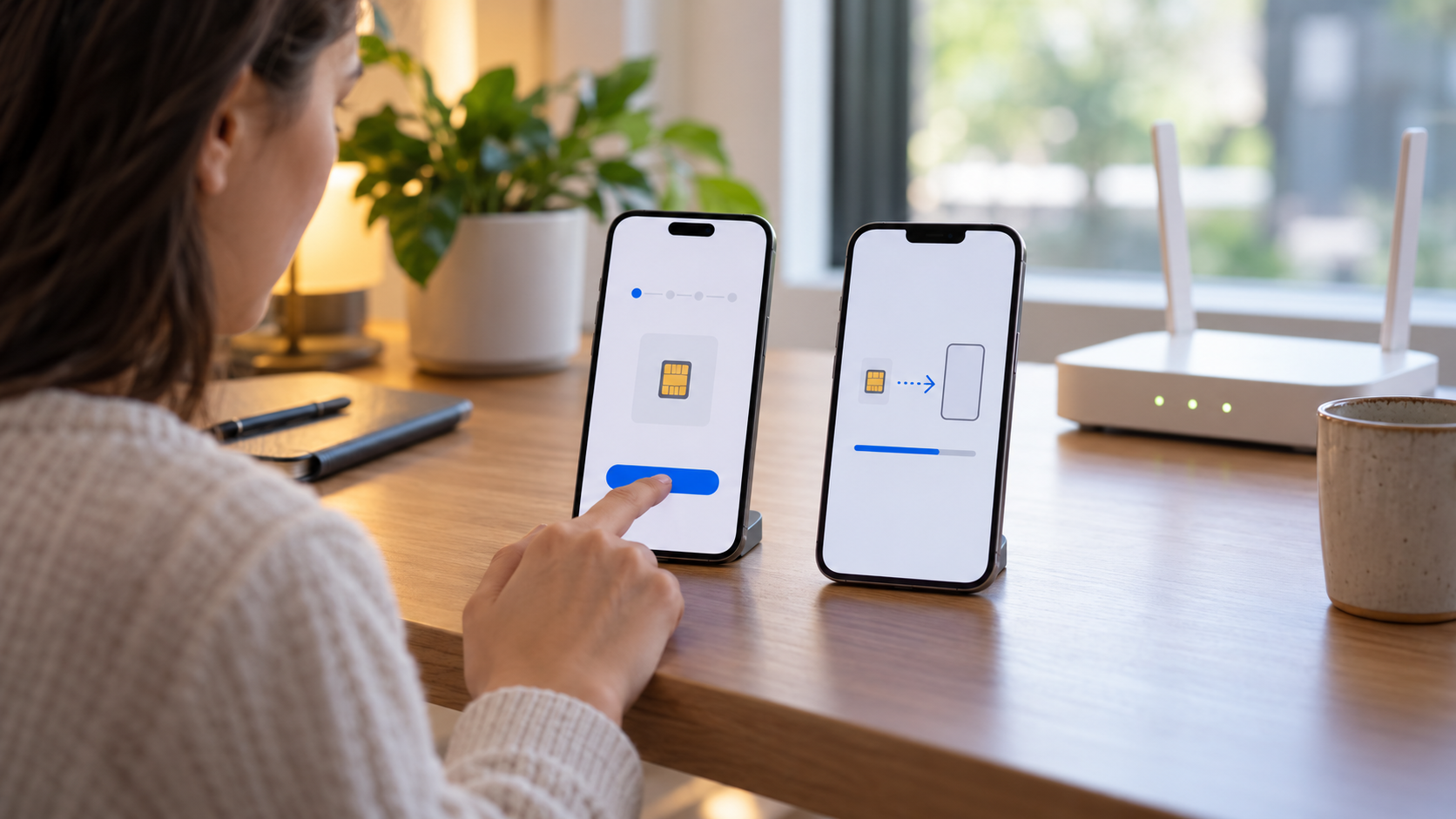
On compatible models, fast transfer between iPhones appears when both devices are near each other, connected to the same Apple account, and have Bluetooth enabled. Availability depends on the carrier. Apple's guide on eSIM transfer It outlines the requirements and reminds users that their old equipment may become unusable after completion.
Transfer or delete: decisions that require care.
Transferring a line is different from simply deleting the plan. Transferring migrates the activation to another device; deleting removes the profile and may require a new QR code. Never use “Delete all eSIMs” as a troubleshooting solution before contacting your carrier. If the device is sold, delete the eSIM after confirming that the number is already on another device.
To temporarily switch devices, ask your carrier if they allow automatic reactivation. Some offer transfer through their app; others block the process for security reasons and require identity verification. Keep your old phone turned on until you complete tests on the new one.
How to test the line after installation
Turn off Wi-Fi and check if your carrier's name appears. Make a short call, send an SMS, and open a website using mobile data. Test in a location where you know the coverage. If you use two numbers, call each one from another phone and check which line receives the call. For travel plans, confirm the APN only if your carrier provides specific instructions; changing values on your own may interrupt the connection.
Also check your data usage and roaming. On Android, use the mobile network area to select your data SIM; on iPhone, the option Allow cellular data exchange You can switch lines automatically. Turn it off if you want to control exactly which plan you're charged for.
Common problems and solutions
If the QR code indicates that it has already been used, request a new one. If it says "cannot be activated," confirm that the device is unlocked, that the carrier accepts that model, and that the system is up to date. Restarting the phone and activating airplane mode for a few seconds resolves temporary registration failures, but does not fix an incompatible plan.
If there is no signal after switching, confirm which line is active, turn the SIM off and on in the settings, and perform an automatic network search. Avoid deleting the profile before reporting the error and the time it occurred. Support may request the IMEI, EID, or protocol number; provide this information only through official channels.
eSIM for travel and two numbers
A travel eSIM can be purchased before departure and activated upon arrival, but read the validity start policy: some plans begin at the time of installation. Check if the package is data-only or includes a number for calls. Messaging services that use the internet work with a data plan, while traditional calls may require roaming or a local number.
With two lines, choose clear labels and review the screen before sending each message. Some apps associate accounts with the number used for initial verification. The eSIM does not eliminate roaming costs on the main line if it remains active; turning off mobile data on that line is a simple protection.
Frequently Asked Questions
Can I use the same eSIM in two different cell phones?
Normally not. The profile is issued for one activation at a time. To change devices, use the official transfer or request a new one from your carrier.
Does deleting the eSIM cancel the plan?
Not always. Deleting removes the profile from the phone, but charges may continue. Confirm cancellation with your carrier.
Does eSIM work without internet?
Installation usually requires Wi-Fi or data from another line. Once activated, calls and data work according to the carrier's coverage.
Can I keep both physical SIM cards and eSIM cards active?
Yes, on many devices. You set the default SIM card and control which SIM card is used for data, calls, and messages.
Conclusion
eSIM simplifies line switching and is especially useful for travel, work, and dual SIM phones. Secure activation depends on confirming the model, unlock status, plan, and regional rules before scanning the QR code. Install using Wi-Fi, test calls and data, keep the receipts, and contact your carrier before deleting a profile that may still be needed.