How to use airplane mode with Wi-Fi and Bluetooth on your cell phone.

Airplane mode was created to quickly disconnect wireless connections from your phone during a flight, but today it's also useful for travel, meetings, and locations with weak signal. On Android and iPhone, you can activate it and then reconnect Wi-Fi or Bluetooth when the airline, airport, or environment allows. The exact behavior depends on the system version and device.
This guide shows you how to use airplane mode safely, what continues to function without a mobile network, how to preserve Bluetooth accessories, and why the feature shouldn't be treated as an absolute privacy switch. The idea is to consciously choose which radios remain on in each situation.
What airplane mode disables
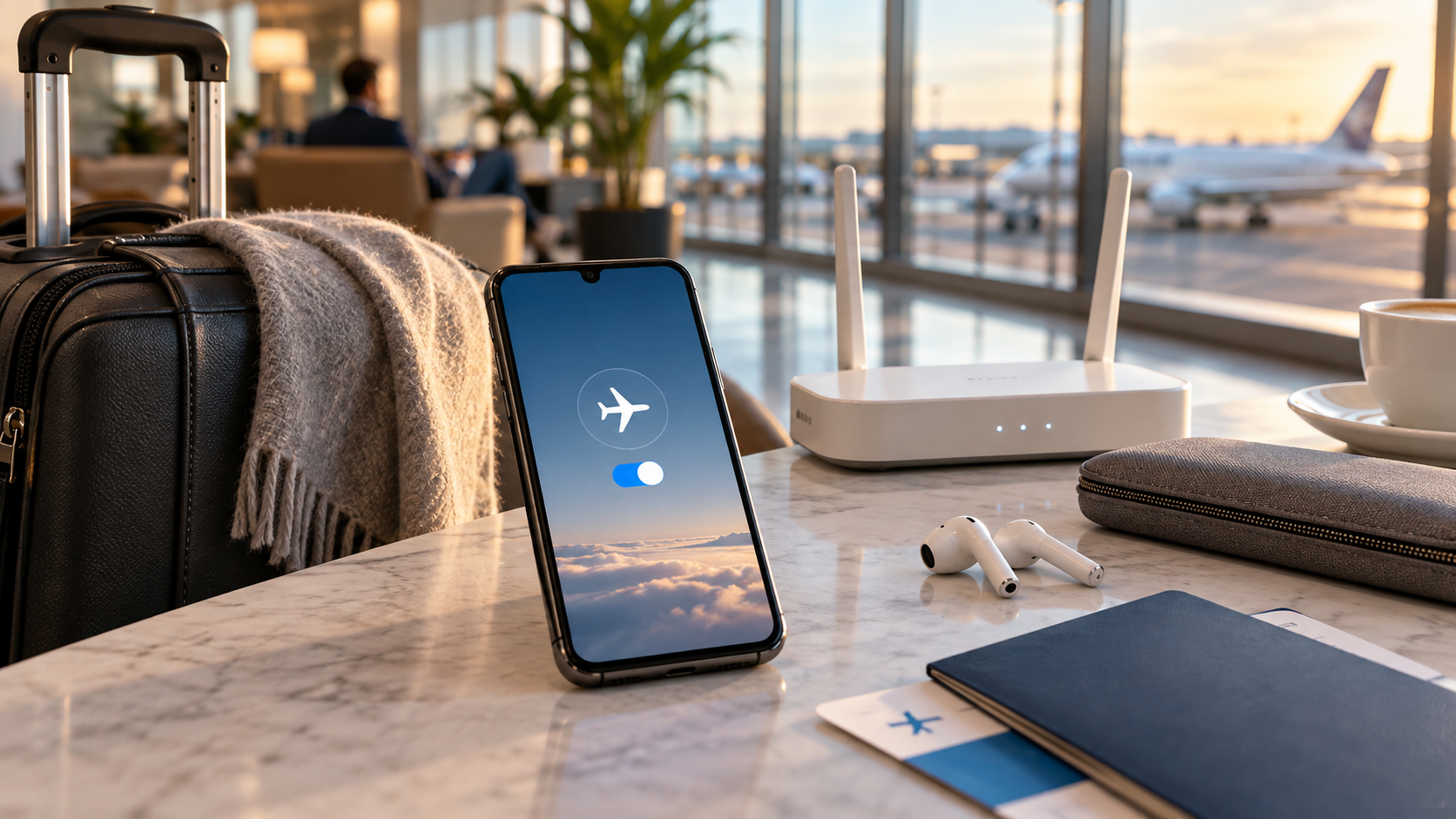
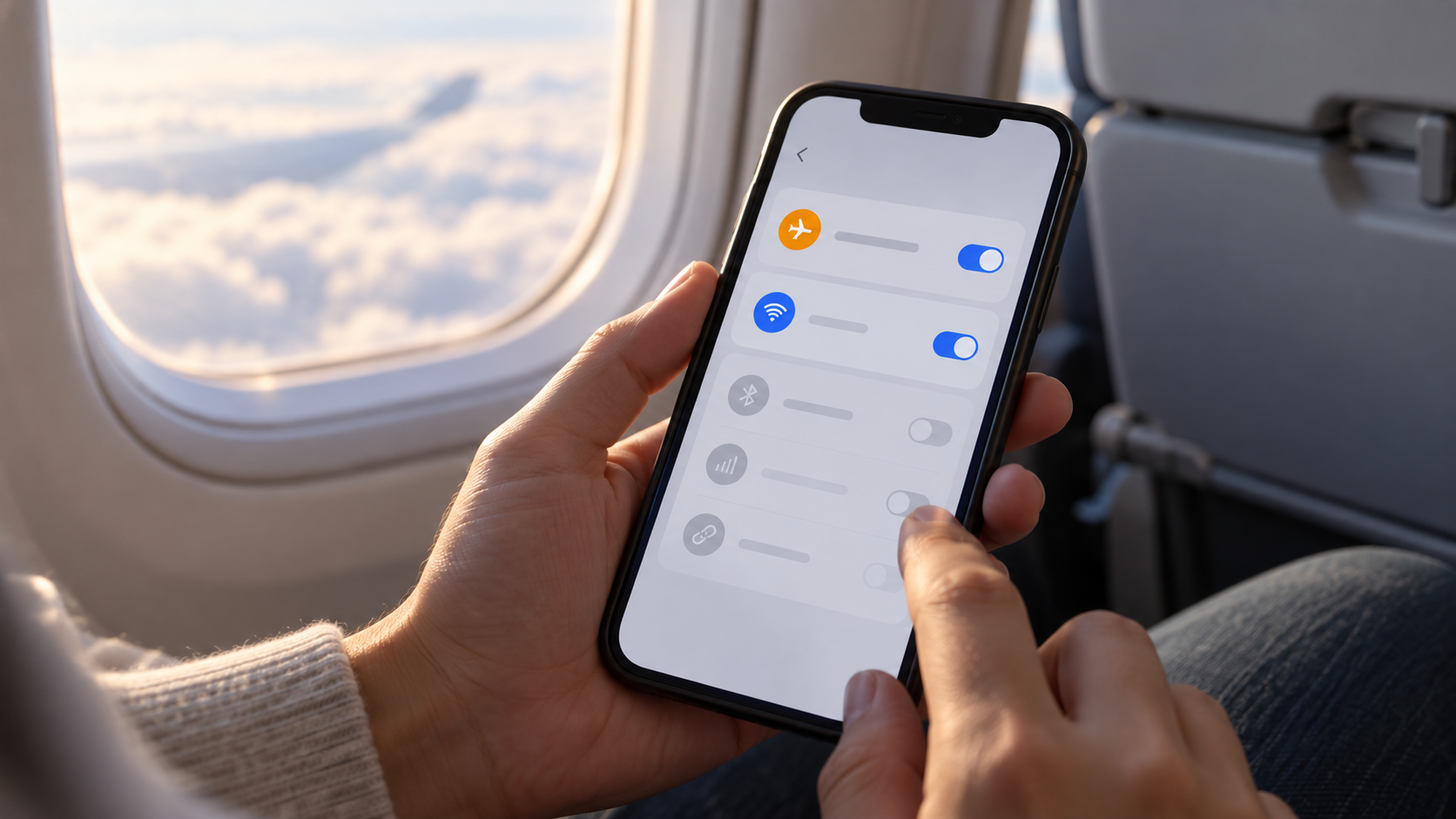
When you activate the feature, the phone typically disconnects from the cellular network and stops searching for towers. Wi-Fi and Bluetooth are also usually turned off on the first activation, while GPS, NFC, and other components may behave differently. The system retains the chosen option afterward: if you turn Wi-Fi and Bluetooth back on, the next activation may remember that preference.
This doesn't mean the device is "dead." You can still read downloaded files, use the camera, alarms, calculator, notes, and many offline games. Cellular calls, SMS, and synchronization that depend on the internet will be pending until a connection is restored. Apps may display cached content and attempt to update later.
Enabling on Android
Through quick shortcuts
Double-swipe in from the top of the screen to open Quick Settings and tap on Airplane mode. If the button doesn't appear, tap the pencil to edit shortcuts or open Settings and search for the term. An airplane icon and the absence of the carrier indicator confirm that the mobile network has been interrupted.
To keep Wi-Fi or Bluetooth enabled, reopen the panel and tap the respective button. On Pixel devices, the system may remember this choice next time. On other brands, the rule may change after an update. Pixel support explains how to control these connections in airplane mode..
Connect to the authorized network.
During the flight, follow the crew's instructions and connect only to the indicated network. Open Wi-Fi, select the correct name, and complete the login portal, if there is one. A captive portal may require a browser and a login page; if it does not load, turn Wi-Fi off and on again, or forget the network and try again.
Bluetooth is useful for headphones, keyboards, and controllers. Put the accessory in pairing mode, open Settings > Connected devices, and select the correct name. Do not accept unexpected requests in public places and remove any pairing you do not recognize.
Activating on iPhone
By the Control Center
Open Control Center by swiping down from the top right corner on models with Face ID. On models with a Home button, swipe up from the bottom. Tap the airplane symbol. You can also open Settings and enable it. Airplane Mode. The carrier indicator disappears, and the device stops using the cellular network.
With the mode turned on, tap the Wi-Fi or Bluetooth button in Control Center to reactivate them. Apple explains that the iPhone can remember these choices, allowing you to use headphones or the airplane's network without reconnecting to the cellular network. See the official page on Airplane mode on iPhone for differences between versions.
Use Wi-Fi without losing control.
In an airport, hotel, or airplane network, confirm your name with the staff before connecting. Avoid conducting banking transactions on an open network; prefer mobile data when permitted or a reliable VPN. Disable password autofill on a shared computer and log out of the portal when finished.
What continues to work offline
Before boarding, download maps, tickets, reservations, books, and playlists. Save a copy of important documents to local storage and confirm that the app actually opens without internet. Alarms, clock, flashlight, camera, and notes remain available, but services that rely on online location, such as real-time transportation, may not work.
You can write emails or messages and leave them in the outbox. Synchronization happens when an authorized network is restored. If your phone is low on space, clear temporary files before your trip; see also our guide on... organization of downloaded files to find reservations and documents.
When airplane mode helps outside of an airplane.
In rural areas or underground parking garages, the constant search for a signal can overheat the device and drain the battery. Activating airplane mode interrupts this attempt until you reach a location with coverage. Then, turn it off to receive calls and messages. During a meeting, it prevents ringtones and vibrations without requiring a complete shutdown.
This feature is also useful for diagnosing a connection. Activate it for a few seconds, deactivate it, and check if the network registers again. If the problem persists, restart the device, check the SIM card, and verify the carrier. Do not use airplane mode as a solution for a blocked account or for a lack of coverage in the region.
Limitations, privacy and security
Airplane mode is not a guarantee of invisibility. GPS may remain available, Bluetooth may be reactivated, and apps may collect data when they reconnect to the internet. The device may also keep local logs. To reduce tracking, review location, ad, and account permissions separately, rather than relying on a single button.
On flights, the rules vary. Some airlines allow Wi-Fi and Bluetooth devices during certain phases; others require everything to be turned off during takeoff and landing. Always follow the crew's instructions. Abroad, the aircraft's network may have its own charges and country restrictions. An available Wi-Fi network does not mean that calls or text messages are allowed.
On corporate or children's devices, administrators can prevent changes to Wi-Fi, Bluetooth, or mobile network settings. If a button is locked, consult the device's policy before resetting settings. Instead of installing an unknown app to "force" a connection, use the system menus and carrier support. This reduces risks and keeps the network history understandable when you need to diagnose a problem.
Frequently Asked Questions
Can I use Bluetooth in airplane mode?
Yes, after the initial activation you can turn Bluetooth back on when local rules allow. Headphones and keyboards continue to work without a mobile network, as long as they are paired and charged.
Does the Wi-Fi come back on automatically when I turn off airplane mode?
On many devices, the system remembers the chosen state. If it doesn't revert, open the quick settings and manually enable Wi-Fi. A network update or reset may erase this preference.
Will I receive calls with Wi-Fi turned on?
Regular cell phone calls are not going through because the mobile network is down. Calls made via apps or Wi-Fi Calling may work if the service, carrier, and network are compatible.
Does airplane mode save battery?
It can reduce power consumption when the phone is searching for a weak signal, but the effect depends on usage. Bright screens, games, and videos still consume power. For further adjustments, combine this feature with battery saving mode.
Conclusion
Use airplane mode as a quick way to control connections, not as a universal solution. Activate it when you need to disconnect from the cellular network, turn Wi-Fi or Bluetooth back on only when permitted, and prepare offline content before traveling. Upon arrival at your destination, turn off airplane mode and confirm calls, messages, and synchronization. This habit avoids surprises and keeps your device usable on any platform.