6 Apps to Control Subscriptions and Avoid Unnecessary Expenses
We live in an era where almost everything can be subscribed to, from streaming services to coffee delivered to your door. Sounds convenient, doesn't it? But without good control, these small subscriptions can add up to a surprising amount at the end of the month. To help you avoid this trap and keep your finances under control, we've compiled some apps that are real lifesavers for those who want to avoid unnecessary subscription expenses.
Key Points
- Keeping an up-to-date list of all subscriptions is the first step in avoiding hidden expenses. Check it frequently.
- Many services offer free trials, but cancellation can be easily forgotten, resulting in unexpected charges. Pay attention to the deadlines.
- Financial control apps help visualize where your money is going, allowing you to identify subscriptions that are no longer being used.
- The payment reminder feature in apps can prevent late fees and the loss of important services.
- Compare prices and look for promotions, especially on dates like Black Friday, to reduce the cost of your subscriptions.
1. SubsCrab
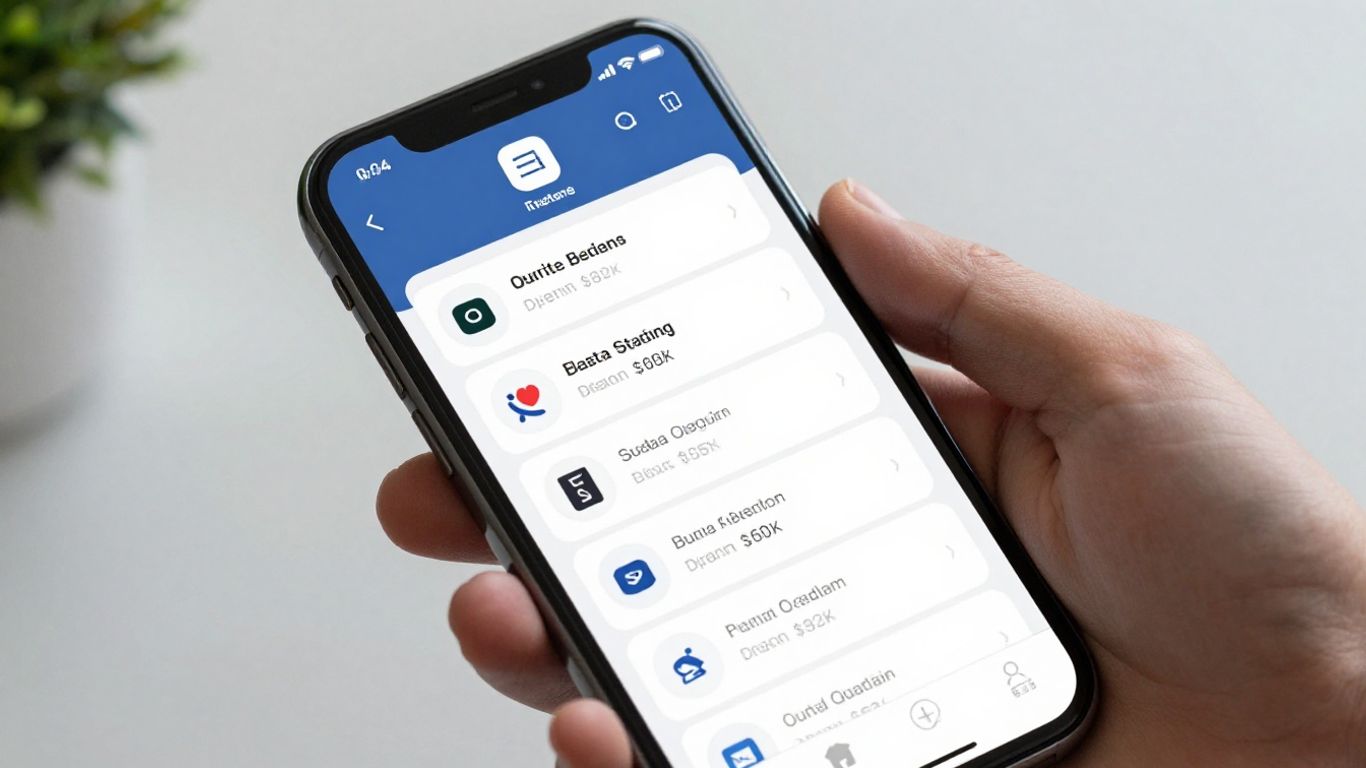
You know that feeling when your money just disappears and you don't even know where it went? Often, the culprit is those subscriptions you don't even remember having. That's where SubsCrab comes in, an app that promises to bring order to this mess.
SubsCrab is basically a subscription organizer. It helps you list everything you pay for regularly, whether it's Netflix, Spotify, an online course, or even that meditation app you used twice. The idea is for you to have a clear view of how much you're spending on these services.
The app has a huge database with over 4,000 services and 11,000 plans. Adding a new subscription is a breeze. You can do it manually or, in the paid version, the app can even scan your email to find these charges automatically. It processes everything on your phone, so your data stays safe.
SubsCrab reminds you of payment dates and shows you the total spent in the month or year. This is incredibly helpful for budget planning and prevents you from missing deadlines, incurring fines, or having your service cut off.
One cool thing is that, when viewing the details of each subscription, SubsCrab suggests services. alternatives that do the same thing. Sometimes the competitor is cheaper or offers more for less. It also shows promotional codes that can give you a great discount. If you want to save money, this feature is gold!
The app has a free version, which is already very helpful for listing and remembering payments. But if you want it to automatically find subscriptions in your email or manage separate lists (like one for family and another for work), then you'll have to invest in the paid version. But think about it, if it helps you cut expenses you didn't even realize you were making, the investment pays for itself quickly.
2. Mobiles
Hey everyone! If you're looking to sort out your financial mess and know where every penny is going, Mobills could be your new best friend. This app is like a Swiss Army knife for finances, you know? It helps you get an overview of everything that comes in and goes out, and the best part: in a really easy-to-understand way.
With Mobills, you can:
- Record all your expenses and income, separating them by category. This way, you can immediately see where you're spending the most.
- Set financial goals. Want to save money for a trip? Or to get a new phone? Just enter it into the app and it will help you track it.
- Generate reports that show your spending habits. It's like an X-ray of your financial life, you know? It helps identify where you can cut back a little.
- Sync it with your bank account. That's right, it pulls the information directly from the bank, saving you a lot of time that you wouldn't otherwise spend writing everything down manually.
Mobills is great for those who want to have complete control of their money without complications. It gives you the tools to organize everything and avoid that unpleasant surprise at the end of the month when you have to pay the bill. If you're tired of wasting money on subscriptions you no longer use, this app can be a great ally in showing you where you're spending money without realizing it.
3. Organize
If you prefer something more straightforward and uncomplicated, Organizze might be your perfect match. It's very focused on giving you a clear view of where your money is going, you know? Its interface is super easy to use, even if you don't know much about finance.
With Organizze, you can:
- Categorize your expenses: Put everything into specific categories, like "food," "transportation," "leisure." That way, you can glance at it and immediately see where you're spending the most.
- Set limits: Want to spend a maximum of R$ 500 on groceries each month? You set that limit there, and the app will notify you if you're getting close to it. It helps you stay in control.
- Keep an eye on your bills: You know that credit card bill that always arrives and gives you a shock? Organizze helps you keep track of all of that, so you don't get any surprises.
- Receive payment due date alerts: No more paying late fees! The app reminds you of upcoming bills.
The thing about Organizze is that it gives you the tools to take charge yourself. It's not rocket science, it's more like "let's organize this" in an easy way.
4. My Savings
If you're thinking about saving money to fulfill some dreams, like buying a new car, putting a down payment on a house, or even planning a comfortable retirement, Minhas Economias can be your partner on this journey. It's very focused on helping you set savings goals, you know? Like, you put in what you want to achieve and the app helps you visualize the path.
His goal is to give you a clear direction so you don't get lost along the way. He helps you put those seemingly distant goals on paper (or on screen, right?) and transform them into something more tangible. It's like having a personal financial map to guide you.
In addition to setting these goals, the app also helps you understand where your money is going. It's not just about saving, but also about spending consciously. It helps you get an overview of your finances, what is essential To know where you can tighten your belt and where you can invest more.
Basically, Minhas Economias encourages you to think about the future, plan your big financial steps, and have more control over your money. If you're the type who likes to have clear goals and wants to see your money working for you, it's worth checking out.
5. Wallet
Wallet is a lifesaver for those who split bills with friends or a partner. Remember that group trip or the rent you share? With Wallet, you can create groups and split everything in a super organized way, without any headaches.
Furthermore, it connects to your bank accounts, which makes it incredibly easy to see where your money is going. It gives you detailed reports that help you understand your spending and better plan for the future. It's like having shared financial control that's super practical.
*Features worth having:
- Creating groups to split expenses.
- Synchronization with bank accounts.
- Detailed financial reports for analysis.
- Monitoring invoices and payments.
If you frequently split expenses, whether with friends, family, or roommates, Wallet can be your best friend. It simplifies the splitting process and avoids awkward moments when settling accounts.
6. Money Lover
Hey everyone! Let's talk about another app that can help organize the mess of subscriptions and expenses we don't even remember we have? Money Lover is like that organized friend who texts you to remind you to pay your bill before it accrues interest. It's really focused on giving you a clear view of where your money is going, you know?
With it, you can categorize everything, from streaming services you barely use to that magazine subscription you don't even read anymore. The point is that it helps you see your spending patterns, making it easier to cut out what doesn't make sense.
Look at all the good things he does:
- Detailed categorization: Separate your expenses so you know exactly how much you spend on each thing. No more "money disappearing"!
- Expiration alerts: Forgot to pay? Relax, Money Lover will notify you before your bill is due. No more late fees!
- Customized quotes: You can set limits for each category. If you're spending too much on delivery, for example, it will let you know.
If you're the type who gets lost in your finances and is always surprised by automatic debits, Money Lover could be your new best friend. It's not just about keeping track; it's about understanding your habits to change the game.
It's also great for planning trips or events, you know? You can create a specific budget for it and avoid spending more than you should. It's a very complete tool for those who want to have control in their hands, without complications.
So, ready to sort out your subscriptions?
Look, we know that managing all of this can seem tedious at first. But think about it: with these apps we've talked about, it's much easier to avoid scams and stop wasting money on services you don't even use anymore. Just choose what suits you best, check it out every now and then, and that's it! Your wallet will thank you, and you can even use that money to do something you really enjoy. Let's bring order to this subscription mess!
Frequently Asked Questions
Why is it important to manage my subscriptions?
Keeping track of your subscriptions is super important to avoid wasting money. Many people don't even remember everything they subscribe to and end up paying for services they no longer use. With an app, you can see everything in one place and cancel what you don't need, saving extra money every month.
How can an app help me remember to pay my bills?
These apps act as an alarm for your bills. They notify you when a subscription is about to expire or when a payment is due. This way, you never miss a deadline and avoid problems or fines, as well as having your service cut off.
Is it difficult to add my subscriptions to the app?
Generally, it's not complicated at all. You can manually add the service name, the amount, and the payment date. Some more modern apps can even find your subscriptions by looking at your emails or bank statements, which makes it even easier.
Can I use these apps to track expenses other than subscriptions?
Absolutely! Most of these apps are designed to organize your entire financial life. You can track your expenses on food, transportation, leisure, and everything else, create budgets, and see where your money is going. It's like having a finance notebook on your phone.
Are there any free apps for managing subscriptions?
Yes, many apps offer a free version that's already very helpful. With it, you can list your subscriptions, receive reminders, and get an idea of your spending. Paid versions usually have extra features, such as automatic subscription searches.
What should I do if I forget to cancel a free trial and get charged?
If this happens, the first step is to check if the app offers any form of refund or retroactive cancellation. If not, ideally you should cancel immediately so that the charge is not repeated the following month and, for the future, note the end date of the free trial on a calendar or in the app itself.