Digital Wallet Apps: How to Use Mobile Payments with More Control
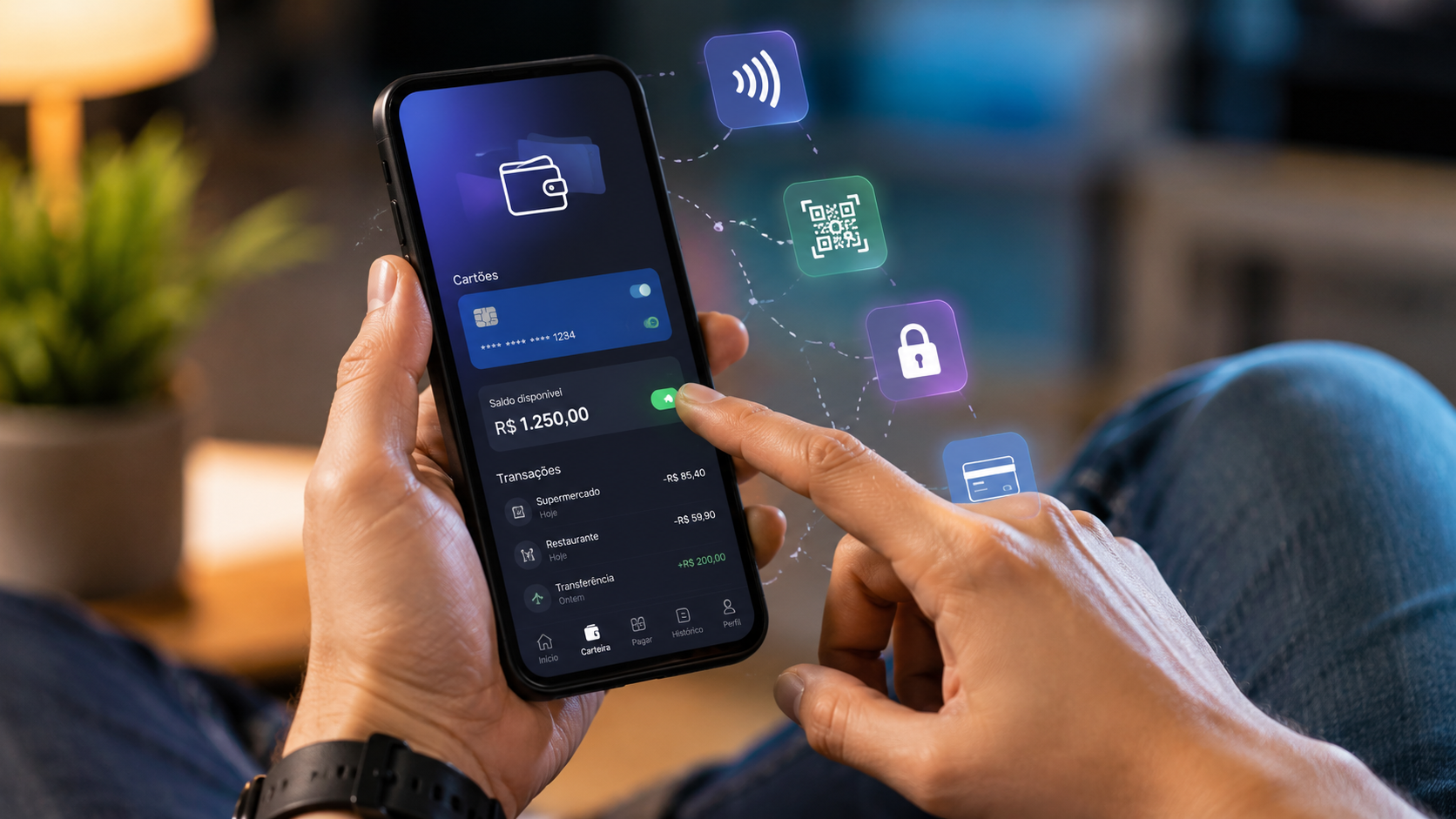
Paying by cell phone is already part of many people's routine, whether at the neighborhood bakery, on public transport, making an online purchase, or splitting a bill with friends. The convenience is great, but disorganized use can lead to confusion with limits, balances, duplicate charges, scams, and small expenses that go unnoticed.
Digital wallet apps help centralize payments, cards, and transfers in one place, but they don't work the same way in every country. Some solutions use contactless payment, others use QR codes, internal balances, payment accounts, instant transfers, or integration with local banks.
The most important point is to understand that convenience does not replace control. Before relying on your cell phone as your primary means of payment, it's worth knowing how the technology works, what basic precautions are necessary, and in what situations guidance from a financial institution, official support, or consumer protection agency may be needed.
What is a digital wallet in practice?
A digital wallet is a tool that allows you to store payment methods in an electronic environment. It can store cards, balance, receipts, billing information, payment keys, virtual cards, or credentials used to authorize purchases via mobile phone.
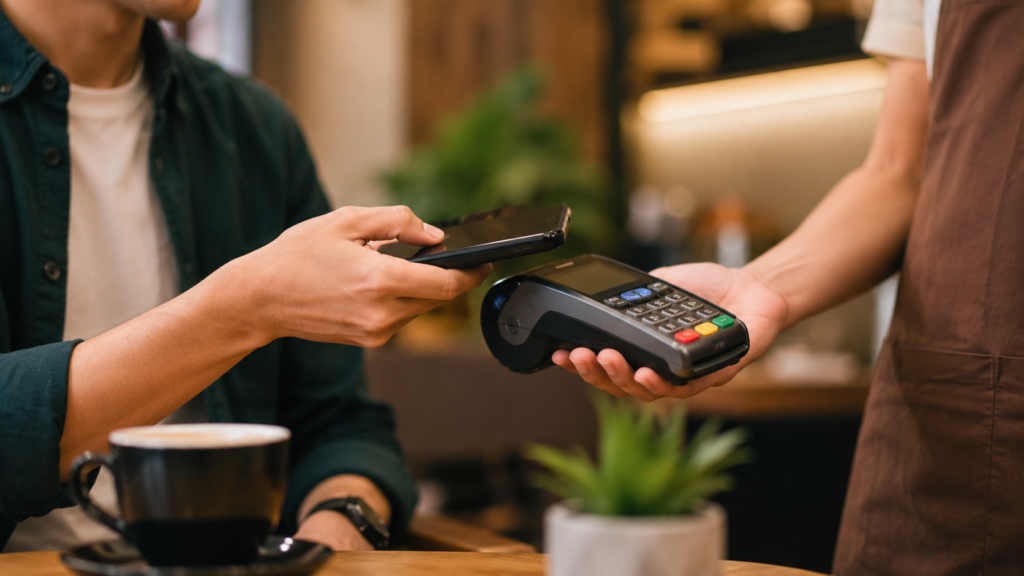
In practice, it acts as a bridge between the user, the establishment, and the institution that processes the payment. When someone brings their cell phone close to a payment terminal, scans a code, or confirms an online purchase, the wallet sends the necessary information to validate the transaction.
This doesn't mean all the money is within the app. In many cases, the charge is debited from the registered card or linked account. In others, the amount remains as a balance on the platform itself, which requires closer attention to withdrawal rules, limits, protection, fees, and support.
Digital wallet apps in daily use
In everyday life, this type of app can be used to pay for in-person purchases, online purchases, subscriptions, transportation, deliveries, services, bills, or peer-to-peer transfers. The format changes depending on the country, the local financial system, and the technology accepted by businesses.
In Brazil, it's common for readers to associate digital payments with Pix, QR codes, contactless cards, and virtual cards. In other countries, the experience may depend more on contactless cards, local transfers, instant codes, pre-loaded balances, or integrations with banks and operators.
The best way to use it responsibly is to separate its convenience function from its financial function. The wallet facilitates payment, but checking statements, limits, receipts, and disputes still needs to be done carefully, especially when there are installment purchases, currency conversions, or international charges.
How mobile payments work
Mobile payments can use different technologies. Contactless payments typically rely on short-range communication between the device and the payment terminal, while QR codes use image scanning to identify the payment or the recipient.
There are also payment options via link, button on online store, instant transfer, and virtual card. In all cases, the system needs to confirm the user's identity, the origin of the money, the amount, the recipient, and their authorization before completing the transaction.
A simple Brazilian example is buying something at a pharmacy. The customer can bring their phone close to the card reader, enter a PIN if necessary, and receive the receipt in their card or bank app. If the card reader doesn't have internet access or the phone is out of battery, another payment method will be needed.
When traveling internationally, the process can vary significantly. A card accepted in Brazil may not be accepted in another country, a wallet may require extra validation, and charges may include currency conversion, taxes, or fees depending on the contract and applicable regulations.
How to evaluate before registering a card or balance.
Before registering a card, the first thing to check is whether the app was downloaded from the official app store for your operating system. Fake apps, links received via message, and pages that impersonate banks are common risks in payment scams.
Next, it's worth reviewing permissions, authentication, and notifications. A wallet that allows payments without a password, biometrics, or transaction alerts may be less suitable for those who share devices, use their cell phones at work, or frequently travel to crowded places.
It's also important to understand if the app holds an internal balance. Leaving money idle on a platform can be convenient for small amounts, but it shouldn't be automatically treated like a traditional bank account. Protection, withdrawal, blocking, and support rules vary depending on the country, institution, and contract.
When in doubt regarding balance protection, chargebacks, disputes, or liability for fraud, the reader should consult the official channels of the application, the issuing bank, and the consumer protection agency applicable to their region. In case of significant financial loss, specialized guidance may be necessary.
A safe step-by-step guide to getting started.
The first step is to choose an app that's compatible with your device and the payment methods you already use. You don't need to register all your cards or maintain a high balance to safely test the tool.
The second step is to activate screen lock, strong password, biometrics when available, and two-step authentication. These layers don't eliminate risks, but they reduce the chance of someone accessing the wallet if the phone is lost, stolen, or used by another person.
Next, register only one card or payment method with lower exposure. For online purchases, a virtual card can help with control because it allows you to limit usage, cancel credentials, and separate recurring purchases from one-off purchases, if this feature exists at the bank.
Finally, make a small purchase and check the entire process: authorized amount, receipt, notification, transaction on your statement, and store name. This test shows if the wallet is working and helps identify charges with names different from those displayed in the store.
Common mistakes that reduce control
A common mistake is using your cell phone to pay for everything without checking your statement. Because the transaction is quick, small amounts can add up in transportation, food, subscriptions, deliveries, and impulse purchases.
Another problem is keeping multiple cards registered without knowing which one is set as the default. This can lead to charges on the wrong card, unwanted credit limit usage, credit payments when debit was intended, or difficulty locating a transaction later.
It's also risky to confirm payment in a hurry. In transfers, QR codes, and link payments, the recipient's name, the amount, and the description need to be checked before authorization. After a transaction is completed, recovering the money can be difficult or depend on analysis by the institution.
A realistic example is someone who receives an urgent request via text message, supposedly from a relative, and transfers money without calling to confirm. This type of situation requires pausing, verifying through another channel, and being wary of emotional pressure or artificial urgency.
How to adapt its use to your context and country.
Not every digital wallet is equally useful for everyone. Someone living in a capital city with many businesses that accept contactless payments might use their cell phone frequently, while someone living in an area with an unstable internet connection might need to keep a physical card or cash for emergencies.
Income also changes how you use it. For those on a tight budget, the ideal is to set low limits, avoid idle balances, and check expenses daily. For those who use the wallet while traveling, the focus should be on currency exchange, IOF (Brazilian tax on financial transactions), fees, local acceptance, and support in another language.
Age and level of digital familiarity also matter. A beginner might start with simple in-person payments and alerts enabled, while someone at an intermediate level might organize virtual cards by purpose, separate recurring purchases, and review permissions more frequently.
Legal rules vary by country. Dispute rights, chargeback periods, fraud protection, escrow insurance, and liability for unauthorized transactions may differ in each jurisdiction. Therefore, reading the contract and official channels remains part of the process.
Security, privacy, and balance limits
Security depends on a combination of technology, behavior, and support. Biometrics, passwords, tokenization, remote locking, and alerts help, but they don't protect against all scams, especially when the user themselves authorizes a transfer to the wrong recipient.
Privacy also deserves attention. When using a wallet, the user may share transaction data, approximate location, device, card, shopping habits, and contact information, according to the platform's permissions and policies.
Internal balances should be treated with caution. Saving small amounts for everyday use may make sense in some cases, but maintaining large sums without understanding the applicable protection increases financial risk. Protection can vary depending on the country, type of institution, and account structure.
A prudent rule is to keep in your wallet only the amount of money you need immediately, if you have a separate balance. For emergency funds, bank accounts or regulated financial products may have clearer protection rules, but this also depends on local legislation.
When to seek help or specialized support.
Official support should be contacted when there is an unknown charge, duplicate payment, loss of the cell phone, suspected intrusion, account blockage, transfer to the wrong person, or difficulty accessing the balance. The sooner the problem is reported, the greater the chance of proper analysis.
In case of fraud, it is not recommended to negotiate directly with strangers or follow instructions received via message. The safest course of action is to use the official channels of the app, bank, or card issuer, and to file a police report or complaint depending on the country and the severity of the situation.
Professional help may be necessary when there is a high value involved, recurring losses, denied claims, misuse of personal data, or contractual dispute. In Brazil, depending on the situation, the consumer can seek assistance from Procon (consumer protection agency), the financial institution, consumidor.gov.br (a government website), or legal counsel.
For businesses, freelancers, and stores, even greater care is needed. Receiving payments via digital wallet requires control over receipts, reconciliation, issuing tax invoices when applicable, preventing chargebacks, and separating personal and business funds.
Practical checklist
- Download the app only from your device's official app store.
- Activate screen lock, strong password, and biometrics before registering any card.
- Register only one payment method with the lowest risk at first.
- Check which card is set as the default payment method.
- Enable notifications for every purchase, transfer, or login attempt.
- Try it with a small purchase and check the transaction on your statement.
- Avoid maintaining a large balance without understanding the protection and withdrawal rules.
- Check the recipient's name, amount, and description before confirming the QR code or link.
- Use a virtual card for online purchases when your bank offers this feature.
- Remove old, expired, or unusable cards.
- Keep receipts for important purchases until they appear on your bank statement.
- Have a backup payment method in case of battery, internet, or system failure.
- Block your wallet and SIM card immediately if your cell phone is lost or stolen.
- Seek official support if you experience unknown charges, scams, or blocked balances.
Conclusion
Mobile payments can make your routine easier, but they require the same care as any decision involving money. Control isn't just about paying quickly, but about knowing where the money came from, who it was sent to, how to dispute a charge, and what limits make sense for your budget.
A well-configured digital wallet can help with organization when the user maintains a strong password, active alerts, a moderate balance, and frequent review of statements. Responsible use also considers the country, income, type of purchase, available internet connection, and the rules of the institution involved.
Have you ever had trouble paying with your mobile phone? Were your biggest concerns security, expense control, incorrect charges, or how the app worked?
Are there any specific situations in your daily life where a digital wallet is helpful, but still creates insecurity?
Frequently Asked Questions
Is a digital wallet the same thing as a bank?
Not always. Some wallets are linked to banks, while others function as payment accounts, transfer apps, or card authentication methods. Protection, balance, and support rules vary depending on the institution and the country.
Is it safe to pay by contactless payment with a mobile phone?
It can be secure when the device has a screen lock, authentication, and active notifications. Even so, the user needs to check values and keep the system updated. Security depends on both technology and behavior.
What should I do if I pay the wrong person?
Contact the official support of the app or bank used for the transaction immediately. Do not attempt to resolve the issue with unknown intermediaries. Depending on the country and payment method, refunds may be subject to review, local regulations, and the recipient's cooperation.
Is it okay to leave money sitting idle in your wallet?
For small everyday expenses, it can be practical in some cases. For larger amounts, it's important to understand if there's protection, withdrawal time limits, fees, and what happens in case of platform blocking or failure. The rules change according to the contract and legislation.
Can I use a digital wallet when traveling internationally?
Yes, as long as the app, card, and destination country are compatible. Before traveling, check exchange rates, fees, taxes, local acceptance, and support. It's also wise to bring a backup payment method.
How can I control small expenses made using my cell phone?
Activate alerts, review your statement weekly, and separate categories such as food, transportation, subscriptions, and online purchases. Small expenses are easy to forget when payment is due too soon. A monthly limit helps maintain clarity.
What should you do if your cell phone is stolen or lost?
Use the device's remote locking function, notify your bank or card issuer, and remove access to your wallet through official channels. It's also recommended to block the SIM card and change important passwords. If there are suspicious transactions, file a dispute as soon as possible.
Useful references
FTC — scams involving app payments: FTC — payment apps
BIS — Instant Payments and Adoption: BIS — fast payments
Central Bank — security in Pix: BCB — Pix security