5 Apps to Compare Prices Before You Shop

In today's world, every penny counts, right? With so many online stores and prices changing all the time, finding the best deal can seem like an impossible mission. But the good news is that technology is here to help! There are several apps that do this tedious job of comparing prices for you, saving you time and, of course, money. If you want to stop paying more than you need to, check out this list of price comparison apps I've put together.
Key Points
- Buscapé is a classic that compares prices from hundreds of stores, offers coupons, and provides price history.
- Zoom also compares prices, but stands out for its cashback and modern interface.
- JáCotei is great for those who focus on grocery shopping and want to create shopping lists.
- Google Shopping integrates product search with the entire Google ecosystem, displaying offers and reviews.
- Promobit focuses on promotions and price alerts, helping you not to miss any deals.
1. Buscapé
If you're looking to save money on online shopping, Buscapé is a name you've definitely heard of. It's one of the pioneers here in Brazil, you know? It's been active since 1999, so it already has a lot of experience in helping us find the best price.
The thing about Buscapé is that it compares the price of a product in a lot of different stores. You just search for what you want, like a new cell phone or that TV you've been eyeing, and it shows you where it's cheapest. It's a lifesaver for avoiding getting ripped off and paying more than necessary.
One thing I find really cool is the price history. You know when you're eyeing something and want to know if the price is really good or just a passing promotion? Buscapé shows you how the price has varied over the last few months. This way, you can get a better idea of whether it's worth buying now or waiting.
Another cool feature is the price alert. You can set it up to be notified when the product you want reaches a price that fits your budget. Then, when the price drops, you receive a notification and can rush to secure yours.
Buscapé doesn't sell products directly; it only shows you where you can buy them. Therefore, the purchase itself, delivery, and any issues afterward are the responsibility of the store where you made the purchase, okay?
It's very simple to use:
- Search for the product you want.
- See the list of stores with their prices.
- Use the filters to refine your search, if needed.
- Check the price history to make sure it's a good deal.
- Consider activating the price alert so you don't miss the opportunity.
2. Zoom
Hey everyone! Let's talk about another app that can save you money when shopping? Zoom is like that smart friend who always knows where to find the best price. It compares prices from a bunch of online stores, you know? That way, you don't fall into traps and you're sure to get a good deal.
One thing I find really cool about Zoom is the price history. You know when you're eyeing something and you're not sure if the price is really good? With the history, you can see how the price has varied over the last few months. This really helps to know if the "promotion" is real or just a scam.
Zoom also has something called "Zoom Guarantee." Basically, they offer extra support and a delivery guarantee for purchases made through them. It's an extra layer of security, right?
In addition, the app offers a program of cashback, It's like getting a little cashback on some purchases. It's not much, but it helps lower the final price. And if you want to know more about a specific product, they even have experts to answer your questions. It's a lifesaver for those who want to make a more conscious and hassle-free purchase. You can get a discount on... App Store It's available on the Play Store, so it's accessible to everyone.
3. I've already quoted it.
You know that rush to the supermarket where we always end up buying the same thing without checking if it's cheaper elsewhere? JáCotei tries to solve that for us, focusing precisely on everyday purchases, like groceries. It helps you compare the prices of a lot of products in different stores.
It's a lifesaver for anyone who wants to save money on household purchases.
The great thing is that you can even create your shopping lists within the app. That way, everything is organized and you can compare the total price of your list at various supermarkets. It helps prevent you from spending without thinking, you know?
It works like this:
- You are looking for the products you want to buy.
- The app shows you where they are cheapest.
- You can compare the price of each item individually or of your entire list.
Sometimes we think we're getting a good deal, but if we stop to compare, we might find we're paying much more. This type of app gives you that clarity when deciding where to spend your money.
One thing to keep in mind is that the variety of products may not be as large as in more general apps, but for those who want to save money on the basics, it's totally worth it.
4. Google Shopping
You know when you're browsing the internet and see a bunch of cool stuff, but you're not sure if you're paying a fair price? That's where Google Shopping comes in to lend a hand. It's like a huge online catalog that Google itself organizes, bringing together offers from various stores in one place. It's a super practical way to get a general idea of how much that item you're eyeing costs.
It works like this: you type the product name into Google search, and it shows you a bunch of options of where to buy it, with prices side-by-side. It's very straightforward. You can see the price in different stores, compare, and, if you want, even read what other people thought of that specific product. That really helps to avoid getting ripped off, right?
One cool thing is that it integrates with the rest of the Google ecosystem. So, if you use Gmail or Google Maps, for example, it can even give you more personalized suggestions. It's not that it will guess what you want, but if you search a lot for a certain type of thing, it starts showing you more of that.
Google Shopping is a tool that gives you a quick overview of prices. It's not a seller, but rather an aggregator of offers. Therefore, it's always worth checking the reputation of the store where you're going to make a purchase, even if the price seems great.
It's good for getting a general idea, you know? If you already have a general idea of what you want, it shows you where to find it cheaper. But if you're looking for something more specific, you might need to dig deeper into other apps that focus more on coupons or cashback. In any case, for a quick search and to get an idea of the market, Google Shopping is a great starting point.
5. Promobit
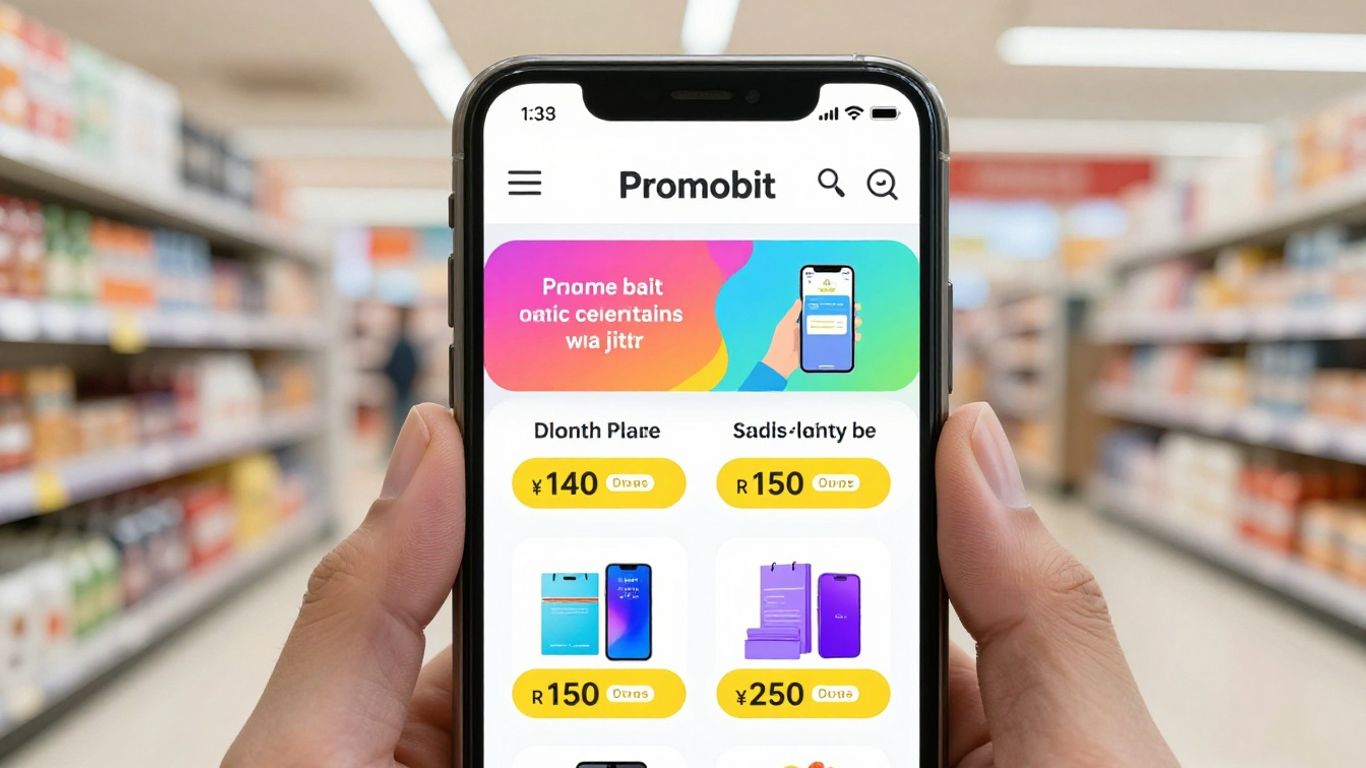
Promobit is a different kind of place for those who enjoy keeping an eye on deals. The approach here is more community-oriented: users themselves share the offers they find online. It's like having a bunch of people searching for the best bargains for you!
In addition to the deals shared by users, the Promobit team also curates and selects the best opportunities. This helps filter out what's truly worthwhile.
The great thing is that you can participate in a discussion forum. There, you can exchange ideas with other users, ask questions about products and promotions, and even discover offers that aren't so widely publicized. It's a cool way to not miss anything.
To avoid missing out, it's worth activating promotion alerts. That way, you'll be notified as soon as something interesting that interests you comes up. It's a great way to make sure you don't miss that offer you've been waiting for.
Promobit functions as a social network for deals, where the community plays a leading role in finding and sharing promotions. The team's curation complements the experience, ensuring a constant flow of great opportunities.
So, ready to save money?
Look, ultimately, using these price comparison apps is like having a superpower when shopping. Instead of hunting for deals, you have everything at your fingertips. You can save a good amount of money, you know? And the best part is you don't need to be a tech expert to use them. Just download, search, and you're good to go. So, let's put these tips into practice and make your money go further on your next purchases. It's totally worth it!
Frequently Asked Questions
Why is it important to compare prices before buying something?
Comparing prices is super important because it helps you save money! It's like searching for the best deal in several stores at the same time, without leaving home. This way, you can be sure you're paying the fairest price for what you want to buy and avoid spending more than you need. It's a smart way to make your money go further.
How do these price comparison apps work?
These apps are like deal detectives. They scour the internet and gather prices for the same product from various different stores. Then, they show you everything in one place, making your life easier. Some even show the history of how much the product cost before, so you can see if the "promotion" is real.
What are the advantages of using a price comparison app?
The advantages are many! You save a lot of time that you would spend searching on each website. You also have the chance to find much lower prices than you imagined. Many apps even offer discount coupons or notify you when the price of the product you want drops, which is great!
Can I trust the prices shown on these apps?
Most of the time, yes! The most well-known apps are quite reliable and work with many large stores. But, to be sure, it's always a good idea to quickly check the store's reputation before making a purchase and compare prices on more than one app, if possible. That way, you'll feel safer.
Are these apps only for online shopping?
Yes, primarily they are designed for online shoppers. But some newer apps are starting to help shoppers in physical stores as well, showing average prices or promotions near you. It's worth checking out the features of each one!
Is there an app that notifies me when the price of a product drops?
Absolutely! That's one of the coolest features. Many apps let you 'track' a product. You just say how much you want to pay, and the app sends you a notification on your phone as soon as the price reaches the amount you set. It's perfect for buying that desired item without paying too much!